I came up with a method to execute JavaScript in Chrome from AutoHotkey, so I’ll introduce it.
While AutoHotkey is strong for keyboard and mouse automation, I have the impression it’s weak for things like clicking with image recognition. It seems it can be done, but it looks troublesome. Since position specification with image recognition is currently unreliable, while it might work for desktop software like QT running on Windows, for operations in Chrome it seems better to pass operations to JavaScript.
Well, it’s not a very smart approach, but it seems possible to pass operations from AutoHotkey to JavaScript.
Utilizing the execution of JavaScript with javascript: [script] in the search box
In Chrome, you can execute JavaScript in the search box.
In this example, we assume a case where local IP addresses change because they weren’t fixed in the WiFi router’s routing settings, or we simply want to automate the task of setting port forwarding rules systematically.
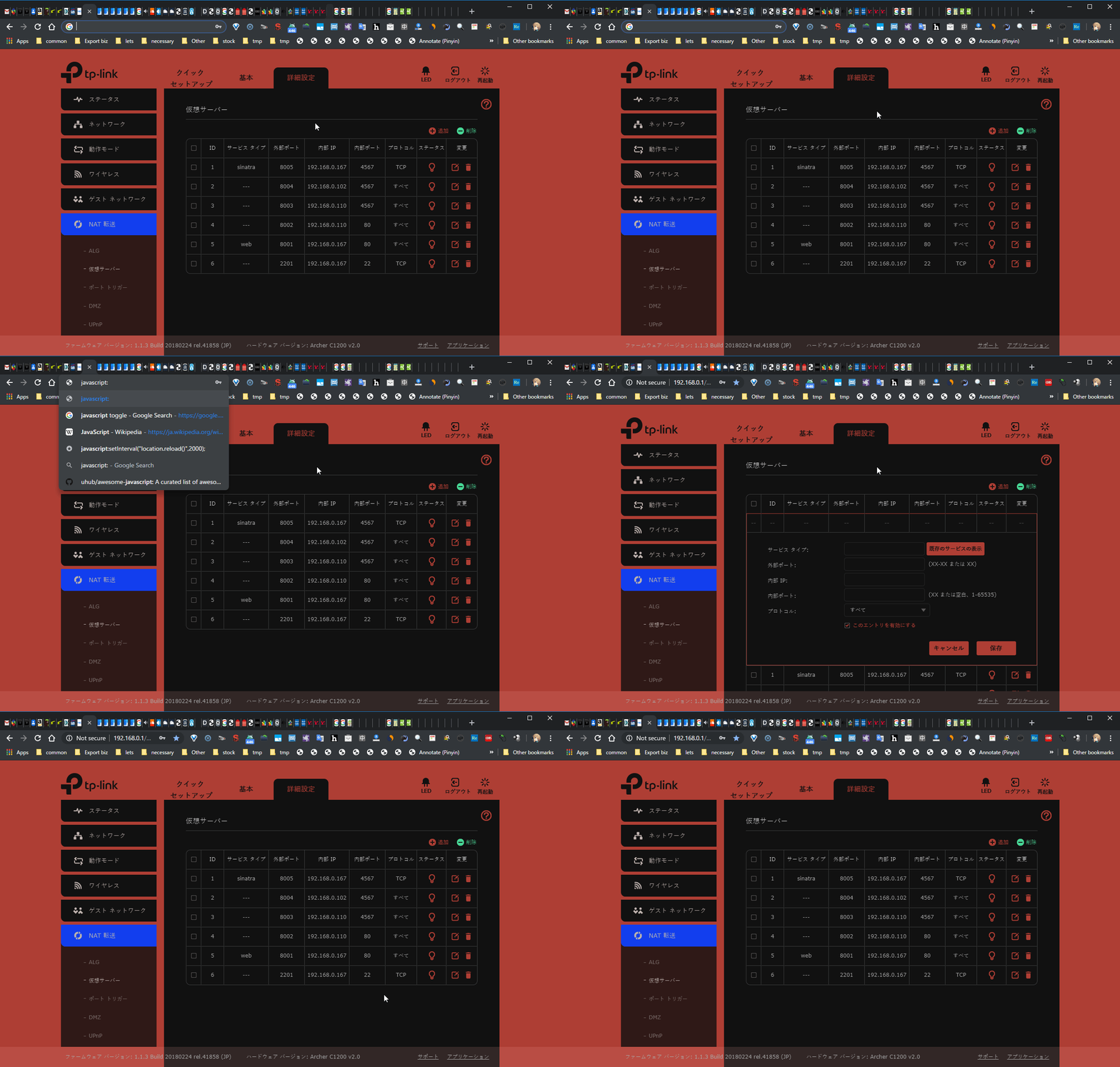
We move to the search box with ctrl-L and execute the following JavaScript in the search box to perform a click. On the AutoHotkey side, it should be fine to sleep for about 1000ms.
javascript: document.querySelector('#virtualServersGrid > div > div > div.panel-tbar-container > div > a.operation-btn.btn-add').click()Passing operations from JavaScript to AutoHotkey
While most automations will finish quickly, if the time for operations on the JavaScript side is uncertain and expected to be long, we should consider a way to pass operations from JavaScript to AutoHotkey.
What comes to mind immediately is file creation, clipboard copying, etc.
From AutoHotkey or another language, we could monitor clipboard changes from a different process of AutoHotkey or some other language, and when it’s a specific value (for example, [identifier]: [command or AutoHotkey script etc]), execute AutoHotkey using that value, process it as a script, etc.
Even without clipboard monitoring, you could do similar things with files or by setting up a server, but I think clipboard would be easiest.
Update (2021/7)
The latest article on this blog introduces a method and script for executing AutoHotkey from node.js.
Scripting AutoHotkey with Node.js
By using websocket in the node.js script to transfer JavaScript to web pages, you can essentially program and control the execution of AutoHotkey (and other local programs) and JavaScript in a complex way through node.js. Please use it as a reference.