Introducing file and text diff comparison tools while comparing their respective merits.
I’ll introduce the familiar diff command from the Linux command line, colordiff, vimdiff using the vim editor for comparison, and meld, a GUI interface diff comparison software.
File contents
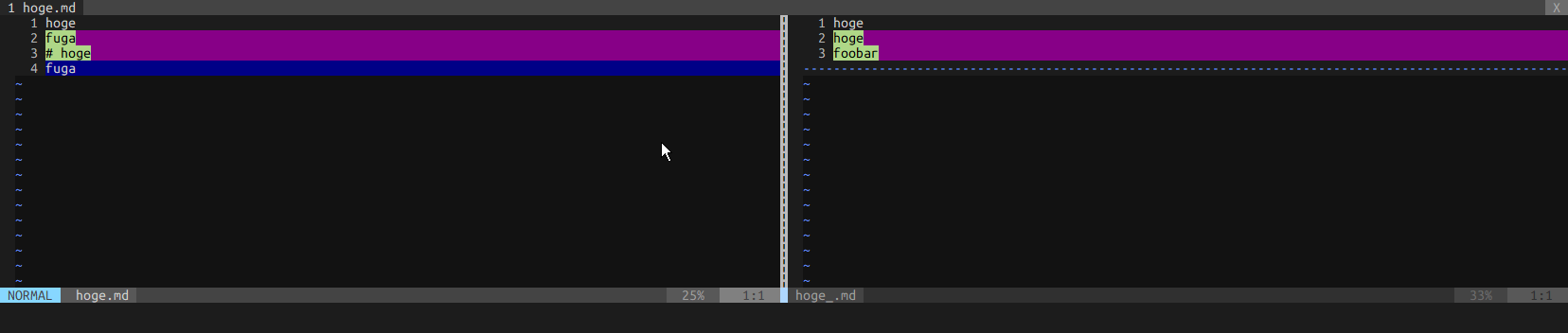
``` $ cat > hoge.md hoge fuga # hoge fuga $ cat > hoge_.md hoge hoge foobar ``` ## diff ``` $ diff hoge.md hoge_.md 2,4c2,3 < fuga < # hoge < fuga --- > hoge > foobar ``` ## colordiff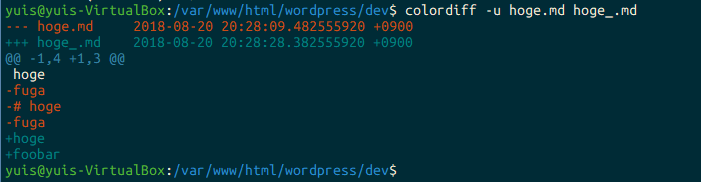
sudo apt install colordiff
## meld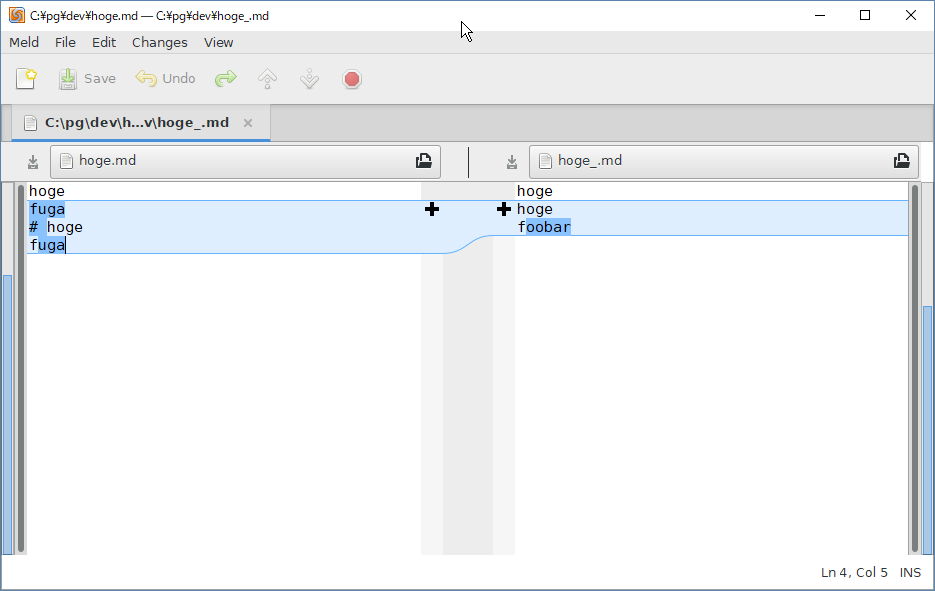
meld installation:
windows: [Meld](http://meldmerge.org/)
ubuntu: sudo apt-get install meld
Use colordiff or vimdiff if you want to quickly check in CUI. Use meld if you want to see details in GUI.
meld is a cross-platform app that works on Windows and Ubuntu, so the barrier to entry is low. meld can also compare folders.