Getting Started with Mustache.js: Using the Node.js Template Engine Mustache.js
This article explains how to use mustache.js, a template engine library that can be used with Node.js. This library is widely used for generating views in web application MVC and manipulating text data.
Installation
npm install mustache --saverequire
var fs = require('fs');
var path = require('path');

var Mustache = require('mustache');
Basic Usage Example
var view = {
  title: "Joe",
  calc: function () {
    return 2 + 4;
  }
};

var template = `
basic usage: {{title}} spends {{calc}}
`;

var output = Mustache.render(template, view);

console.log(output);
Output:
basic usage: Joe spends 6Conditional Branching (if)
{{#NOTEFILE}}
  note file found.
    {{NOTEFILE}}
{{/NOTEFILE}}
When condition is false (unless)
{{^NOTEFILE}}
    no note file found.
{{/NOTEFILE}}
Comments
<header class='split-view-inspector-header'>
    <div class="view-title">Source Assets</div>
    {{!  <div class="actions"> commented
        <span class="label">Actions</span>
        <span class="gear"></span>
    </div> }}
</header>
Output:
<header class='split-view-inspector-header'>
    <div class="view-title">Source Assets</div>
</header>
Custom Delimiters
var customTags = ['<%', '%>'];
Mustache.tags = customTags;

var template = `
Custom Delimiters: <% title %>
`;

var output = Mustache.render(template, view, {}, customTags);

console.log(output);
Output:
Custom Delimiters: JoeChanging Custom Delimiters Inside Template
var template = `
Custom delimiter inside template:

* {{ title }}
* <% title %>
{{=<% %>=}}
* {{ title }}
* <% title %>
<%={{ }}=%>
* {{ title }}
* <% title %>
`;

var output = Mustache.render(template, view);

console.log(output);
Output:
Custom delimiter inside template:

* {{ title }}
* Joe
* Joe
* Joe
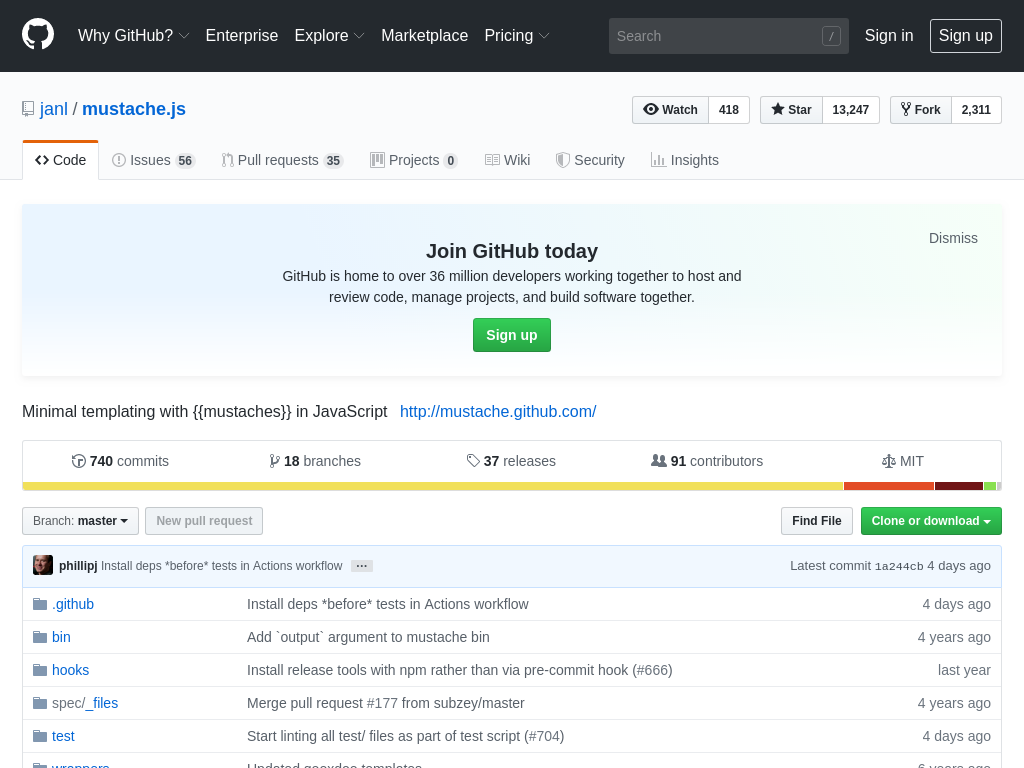
For more details, please refer to the janl/mustache.js GitHub page.