In programming, logging to the console or files is one of the basic techniques that is useful in many cases such as debugging and recording. However, AutoHotkey does not have terminal-based logging or default file logging functions or methods, so you need to implement logging with a little ingenuity.
Logging to files with AutoHotkey.
; C:\pg\autohotkey\env.ahk

LOG_FILE := "C:\pg\autohotkey\log.txt"
#include C:\pg\autohotkey\env.ahk

log(text){

  global LOG_FILE

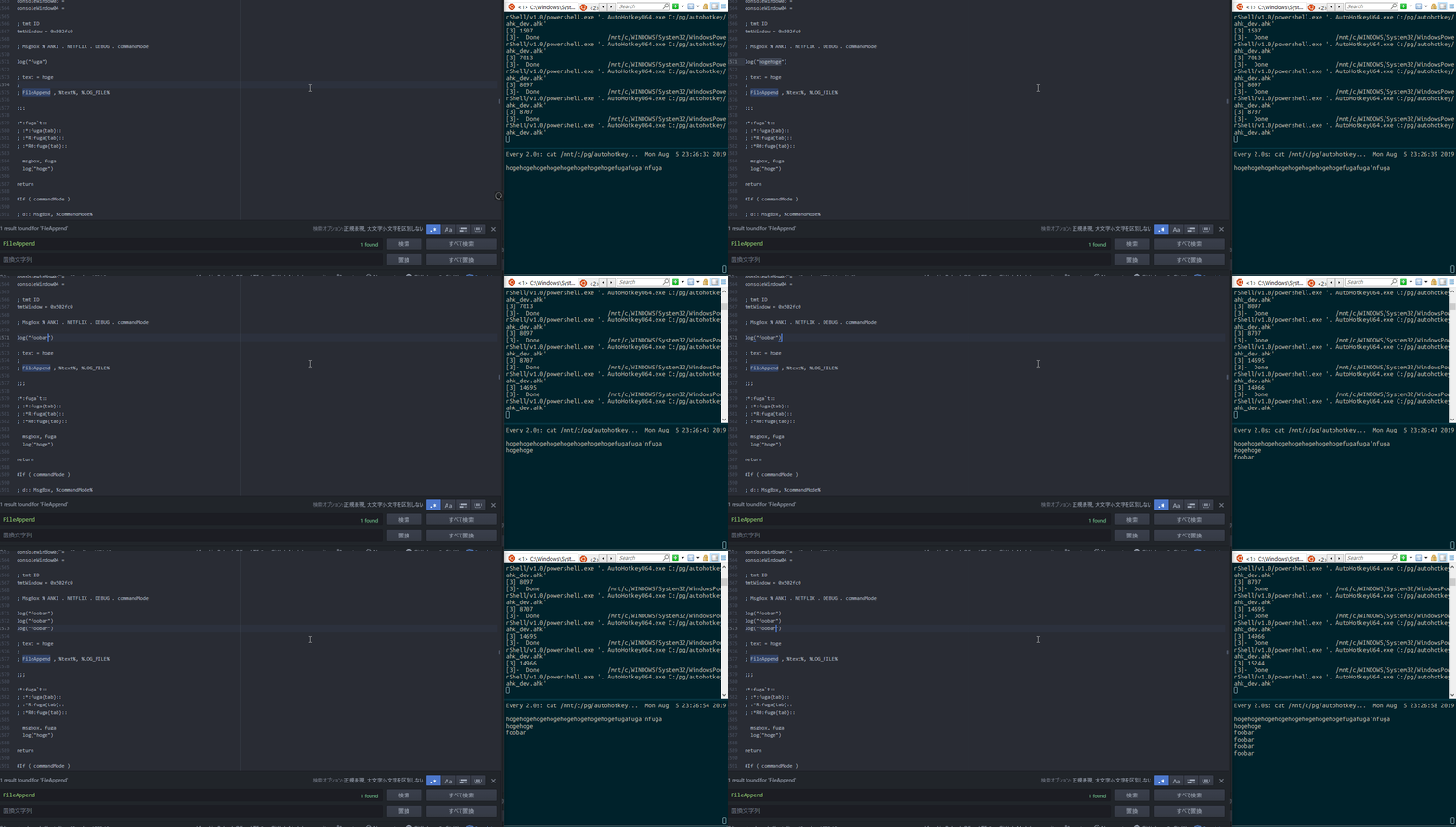
  FileAppend , %text%`n , %LOG_FILE%

}log("foobar")The key points are using global to make the log file path variable available within the function, and adding line breaks to the log with “%text%`n”.