This article introduces how to make servers in local environments easily accessible with public URLs using localtunnel.
When running servers like Apache, Sinatra, or Rails in a local environment, you often want to access them from a global IP address. In my case, I usually select WiFi routers that can do local port ←→ global port forwarding when purchasing, but using a tool like this might also be a good option.
localtunnel/localtunnel: expose yourself
Installation
sudo npm install -g localtunnelExample with Apache running on localhost:80
yuis@yuis:~/share04/_tmp/tmp$ curl -I localhost
HTTP/1.1 200 OK
Date: Mon, 03 Jun 2019 19:57:43 GMT
Server: Apache/2.4.29 (Ubuntu)
Last-Modified: Sun, 17 Mar 2019 04:45:23 GMT
ETag: "2aa6-58442f0a07c35"
Accept-Ranges: bytes
Content-Length: 10918
Vary: Accept-Encoding
Content-Type: text/html
Let’s run localtunnel.
yuis@yuis:~/share04/_tmp/tmp$ lt --port 80
your url is: https://hungry-pug-96.localtunnel.me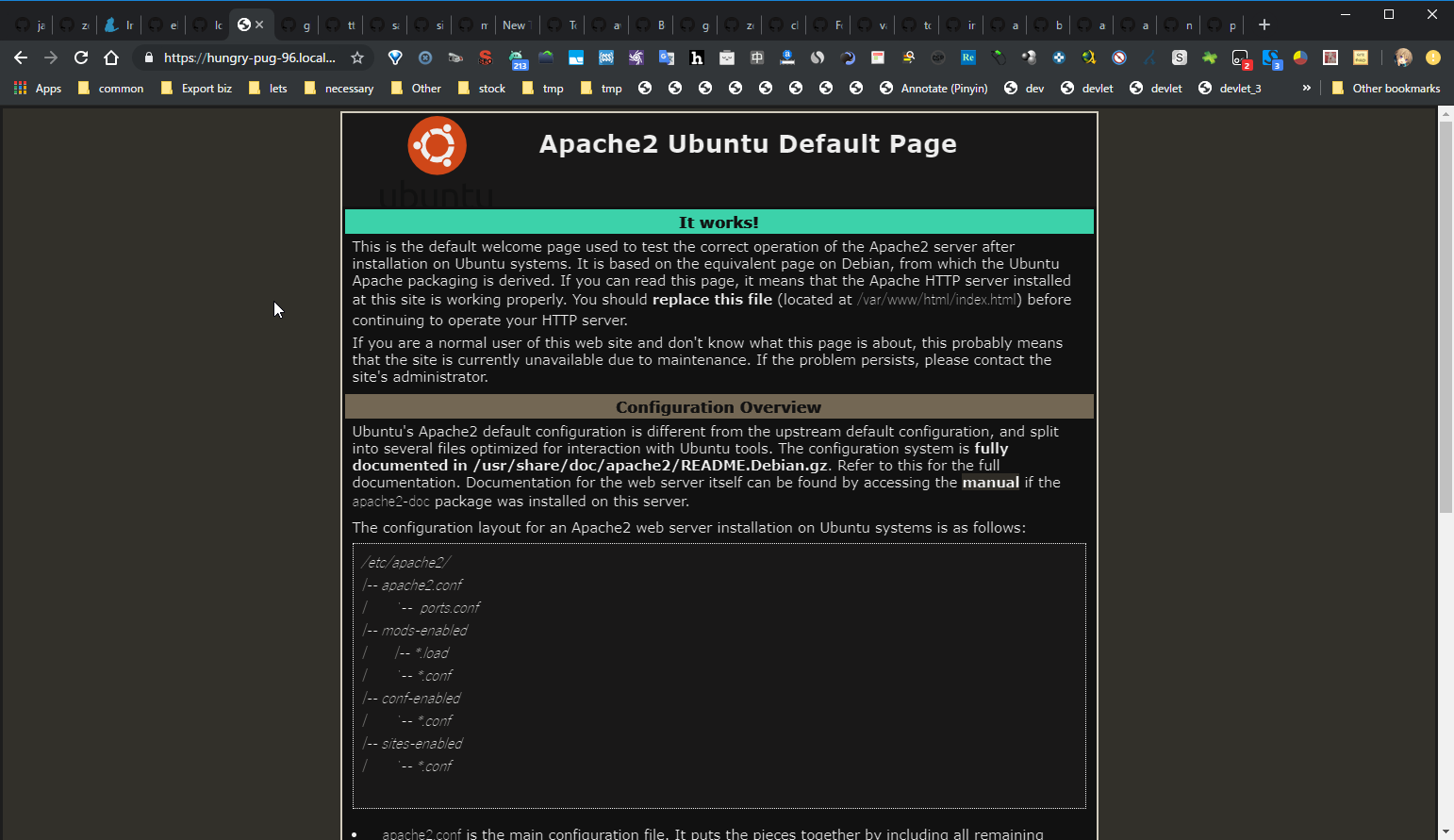
Accessing https://hungry-pug-96.localtunnel.me displays Apache’s root file as shown above.
The subdomain is randomly determined each time you execute the command, but you can specify it if you want to fix it.
yuis@yuis:~/share04/_tmp/tmp$ lt --port 80 -s hogefuga123
your url is: https://hogefuga123.localtunnel.me