I’ll introduce how to obfuscate JavaScript script program code with javascript-obfuscator.
Since JavaScript is client-side, encryption is not possible. I looked into it anyway, but apparently it really can’t be done.
encrypt chrome extension - Google Search javascript - Encrypt Chrome-extension? - Stack Overflow
So I’ll compromise with obfuscation.
Installation
sudo npm install --global javascript-obfuscatoruser:/mnt/c/pg/js$ cat > input.js
// Paste your JavaScript code here
function hi() {
console.log("Hello World!");
}
hi();
user:/mnt/c/pg/js$ javascript-obfuscator input.js --output output.js --compact true --self-defending false
[javascript-obfuscator-cli] Obfuscating file: input.js...
user:/mnt/c/pg/js$ cat output.js
var _0x3be7=['log','Hello\x20World!'];(function(_0x4b51bd,_0x87acc2){var _0x161117=function(_0x4f7a46){while(--_0x4f7a46){_0x4b51bd['push'](_0x4b51bd['shift']());}};_0x161117(++_0x87acc2);}(_0x3be7,0xe0));var _0x4c85=function(_0x4539c5,_0x2e06ad){_0x4539c5=_0x4539c5-0x0;var _0xde9a7=_0x3be7[_0x4539c5];return _0xde9a7;};function hi(){console[_0x4c85('0x0')](_0x4c85('0x1'));}hi();yTrying High obfuscation, low performance
{
compact: true,
controlFlowFlattening: true,
controlFlowFlatteningThreshold: 1,
deadCodeInjection: true,
deadCodeInjectionThreshold: 1,
debugProtection: true,
debugProtectionInterval: true,
disableConsoleOutput: true,
identifierNamesGenerator: 'hexadecimal',
log: false,
renameGlobals: false,
rotateStringArray: true,
selfDefending: true,
stringArray: true,
stringArrayEncoding: 'rc4',
stringArrayThreshold: 1,
transformObjectKeys: true,
unicodeEscapeSequence: false
}
I’m turning some off at my discretion, such as —debug-protection-interval. Please change —identifiers-prefix and —target as appropriate.
javascript-obfuscator input.js --output output.js \
--compact true \
--control-flow-flattening true \
--control-flow-flattening-threshold 1  \
--dead-code-injection true \
--dead-code-injection-threshold 1  \
--debug-protection 1 \
--identifier-names-generator hexadecimal \
--identifiers-prefix chromeExtension1 \
--rotate-string-array true \
--self-defending true \
--string-array true \
--string-array-encoding rc4 \
--string-array-threshold 1 \
--target browser \
--transform-object-keys true \
--unicode-escape-sequence false
The result is below.
output.js
var chromeExtension1_0x4b71=['QlzCiMKZGQ==','dsKiwrxoSA==','PxnCkhEC',………
...
This is about 100 times larger.
I wondered if this would really work…? So I verified.
Verification with a random HTML file.
<!DOCTYPE html>
<html lang="en" dir="ltr">
  <head>
    <meta charset="utf-8">
    <title></title>
  </head>
  <body>
    <script type="text/javascript">

        Paste output.js contents here

    </script>
  </body>
</html>
<!-- view-source:192.168.3.10/php/ -->
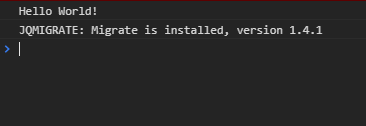
It seems to be working properly.
Now let’s apply it to an actual Chrome extension.
With a decent script of just under 50 lines.
…I tried to do it but for some reason I can’t create a Chrome extension, so I’ll use Tampermonkey.
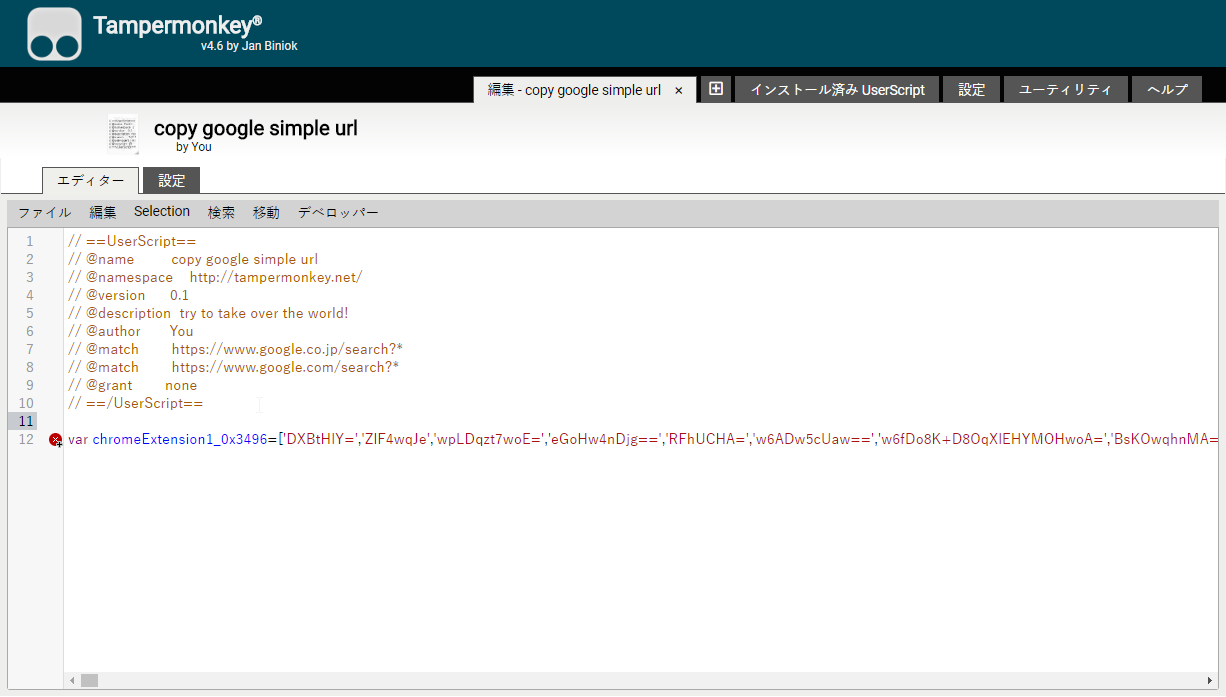
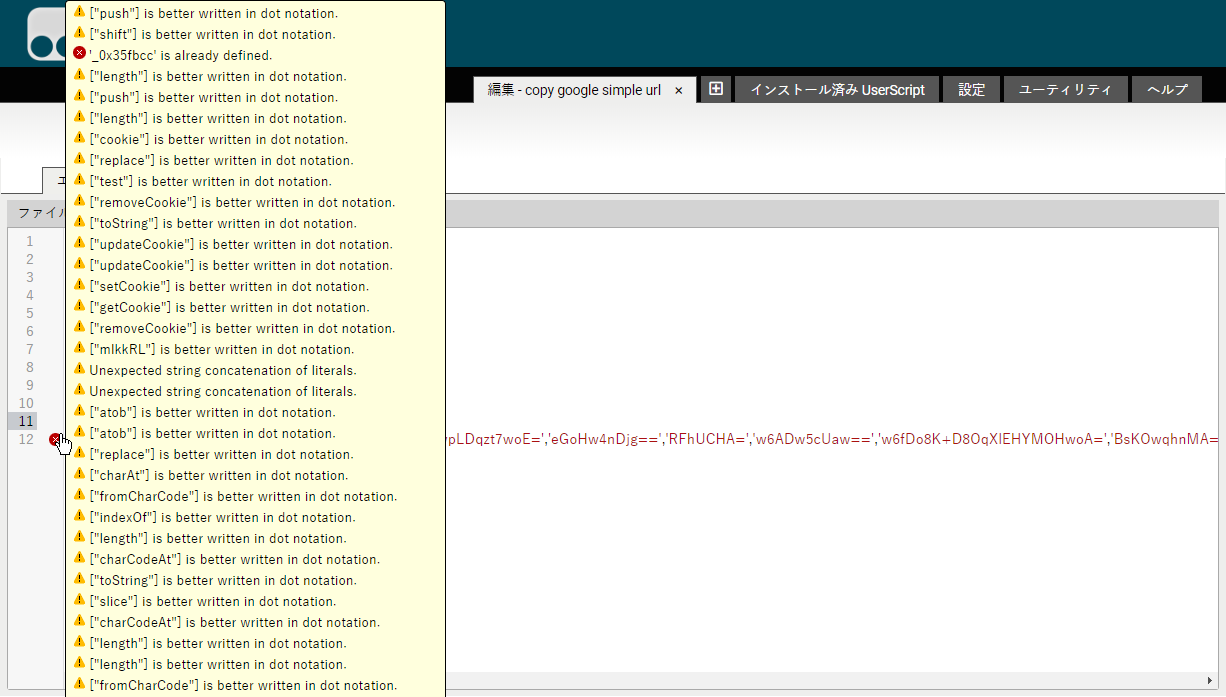
There are a lot of errors showing,
But it worked properly.
For now, it seems like it can be used with Chrome extensions too.
Added: It also worked with Chrome extensions