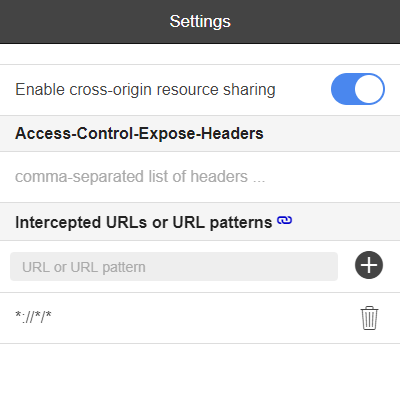
This article explains the Chrome extension that was causing YouTube to not play and Twitter to not display.
It looked like this.
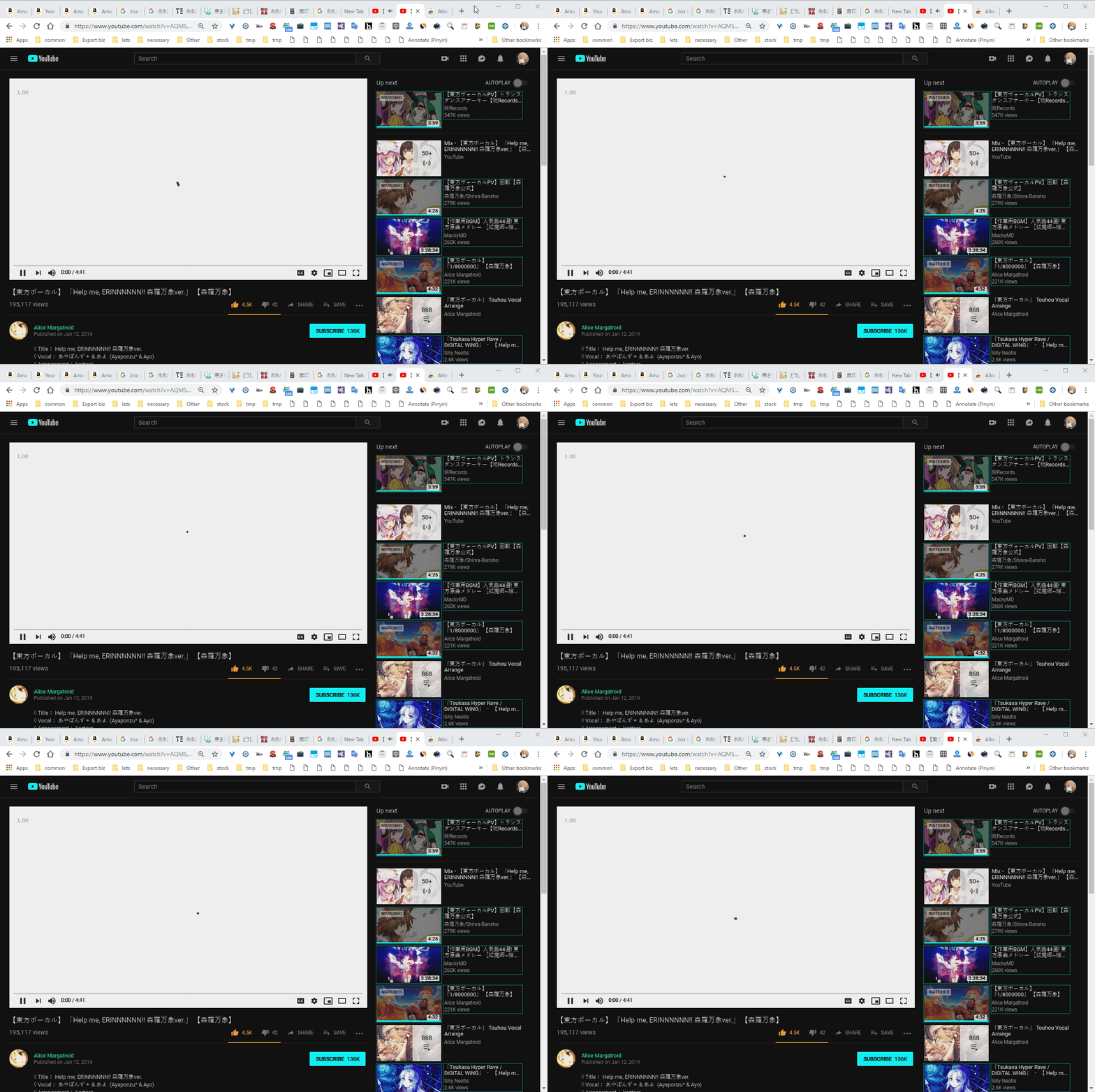
The causes can vary. Since everyone’s environment is different, it can be quite diverse, but if things work normally when you disable extensions in incognito mode, the cause is likely in the extensions, so you’ll have to verify them one by one while utilizing extensions like Extensions Manager (aka Switcher) - Chrome Web Store. Extensions undergo code review, and terrible extensions get removed fairly quickly, so you could wait for that, but it’s better to use the process of elimination: remove poorly-rated extensions, extensions that were automatically disabled (which can happen when developers find vulnerabilities), extensions no longer available in the web store (404 URLs), and turn off extensions you don’t regularly use with the aforementioned extension manager.
So, I normally do such sorting occasionally, so I shouldn’t have had any weird extensions, but the cause of this incident was Allow-Control-Allow-Origin, an extension fairly well-known to web developers. Even opening the developer tools didn’t show any JavaScript errors, so it took quite a bit of effort to find…
Allow-Control-Allow-Origin: * - Chrome Web Store