How to monitor the clipboard with Rust and log to a file and save it in JSON (JSONL) format when changes occur.
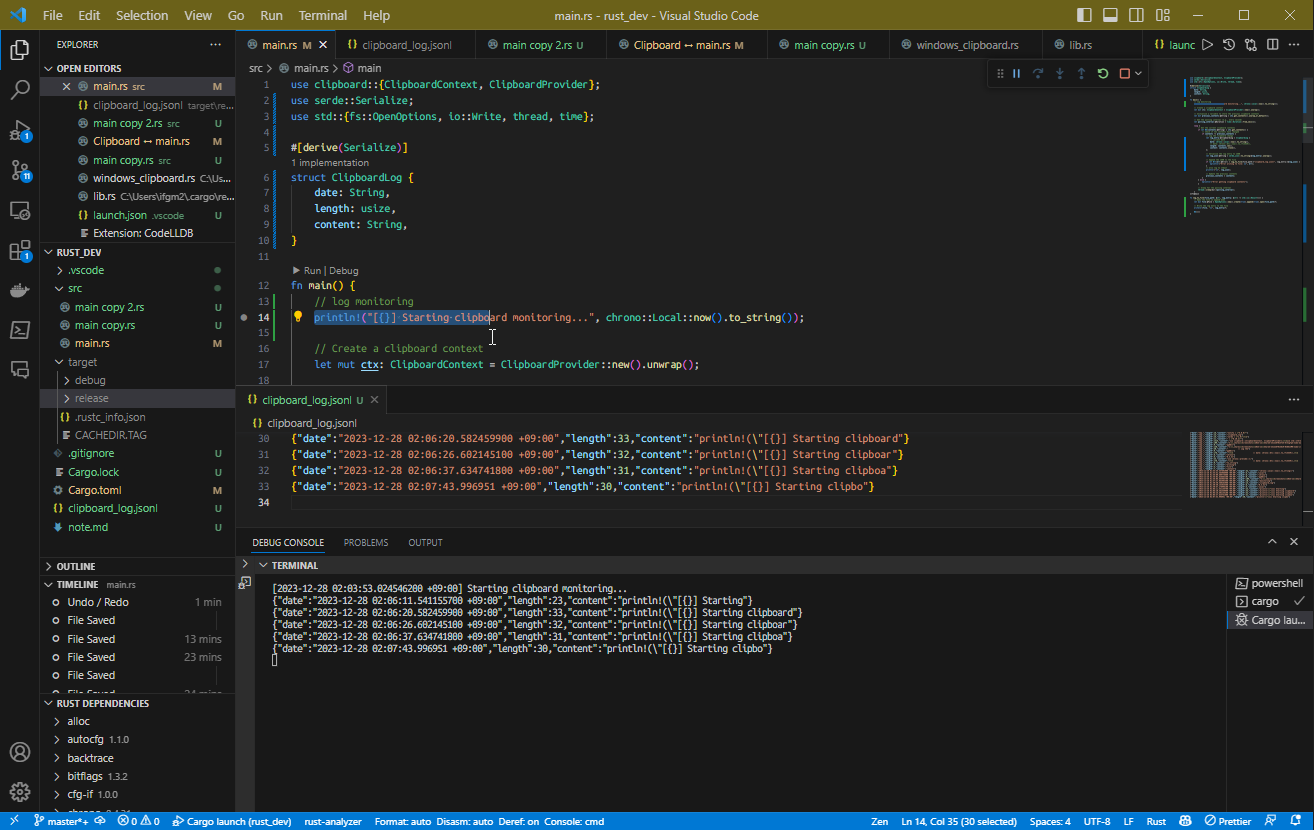
Below is the source code for the program.
use clipboard::{ClipboardContext, ClipboardProvider};
use serde::Serialize;
use std::{fs::OpenOptions, io::Write, thread, time};

#[derive(Serialize)]
struct ClipboardLog {
    date: String,
    length: usize,
    content: String,
}

fn main() {
    // log monitoring
    println!("[{}] Starting clipboard monitoring...", chrono::Local::now().to_string());

    // Create a clipboard context
    let mut ctx: ClipboardContext = ClipboardProvider::new().unwrap();

    // Initialize a variable to store the previous clipboard contents
    let mut previous_contents = ctx.get_contents().unwrap_or_default();

    // Set the polling interval (e.g., every second)
    let polling_interval = time::Duration::from_secs(1);

    loop {
        // Get the current clipboard contents
        if let Ok(contents) = ctx.get_contents() {
            // Check if the contents have changed
            if contents != previous_contents {
                // Log the clipboard change
                let log_entry = ClipboardLog {
                    // current date
                    date: chrono::Local::now().to_string(),
                    // date: chrono::Utc::now().to_rfc3339(),
                    length: contents.len(),
                    content: contents.clone(),
                };

                // Serialize the log entry to JSON
                let log_json = serde_json::to_string(&log_entry).unwrap();

                // Append the JSON to the file
                if let Err(err) = log_to_file("clipboard_log.jsonl", &log_json) {
                    eprintln!("Error writing to file: {}", err);
                }
                // also log to stdout
                println!("{}", log_json);

                // Update the previous contents
                previous_contents = contents;
            }
        } else {
            eprintln!("Error getting clipboard contents");
        }

        // Sleep for the polling interval
        thread::sleep(polling_interval);
    }
}

fn log_to_file(file_path: &str, log_entry: &str) -> std::io::Result<()> {
    // Open the file in append mode
    let mut file = OpenOptions::new()
        // .create_new(true)
        .create(true)
        .append(true)
        .open(file_path)?;

    // Write the log entry to the file
    writeln!(file, "{}", log_entry)?;

    Ok(())
}
Save the above to a file (for example main.rs) and run it with cargo run to start monitoring clipboard changes. When changes occur, logs are output to both stdout and file.
That concludes the introduction.