Introducing pageres-cli, which can capture web page screenshots from the command line of Linux computers and servers using Bash language, as it’s quite convenient.
Headless Chrome has emerged in Node and such. Various software and tools have been born from such projects, and pageres-cli is a command line utility that captures web pages with the feeling of actually browsing them and saves them locally.
sindresorhus/pageres-cli: Capture website screenshots
It would be nice to combine it with WordPress blog PHP and such. By introducing screenshot images when linking web pages by URL, visitors have the advantage of understanding roughly the design, layout, and atmosphere of the site at the URL destination. With PHP, you could even implement the thoughtfulness of updating screenshot images every few months or so to replace them with the latest web page images.
pageres-cli can not only specify resolution, but also specify CSS selectors to capture only that part, or conversely hide specific classes from the page.
# Capture a specific element
pageres https://example.com 1366x768 --selector='.page-header'
# Hide a specific element
pageres https://example.com 1366x768 --hide='.page-header'There are also various other options prepared, including cookie specification —cookie=<cookie>, capture delay —delay=<seconds>, and CSS addition —css=<string>.
# Cookie specification
pageres https://example.com --cookie='foo=bar'
Installation
sudo npm install --global pageres-cliTried it on My Site
The actual page looks like this.
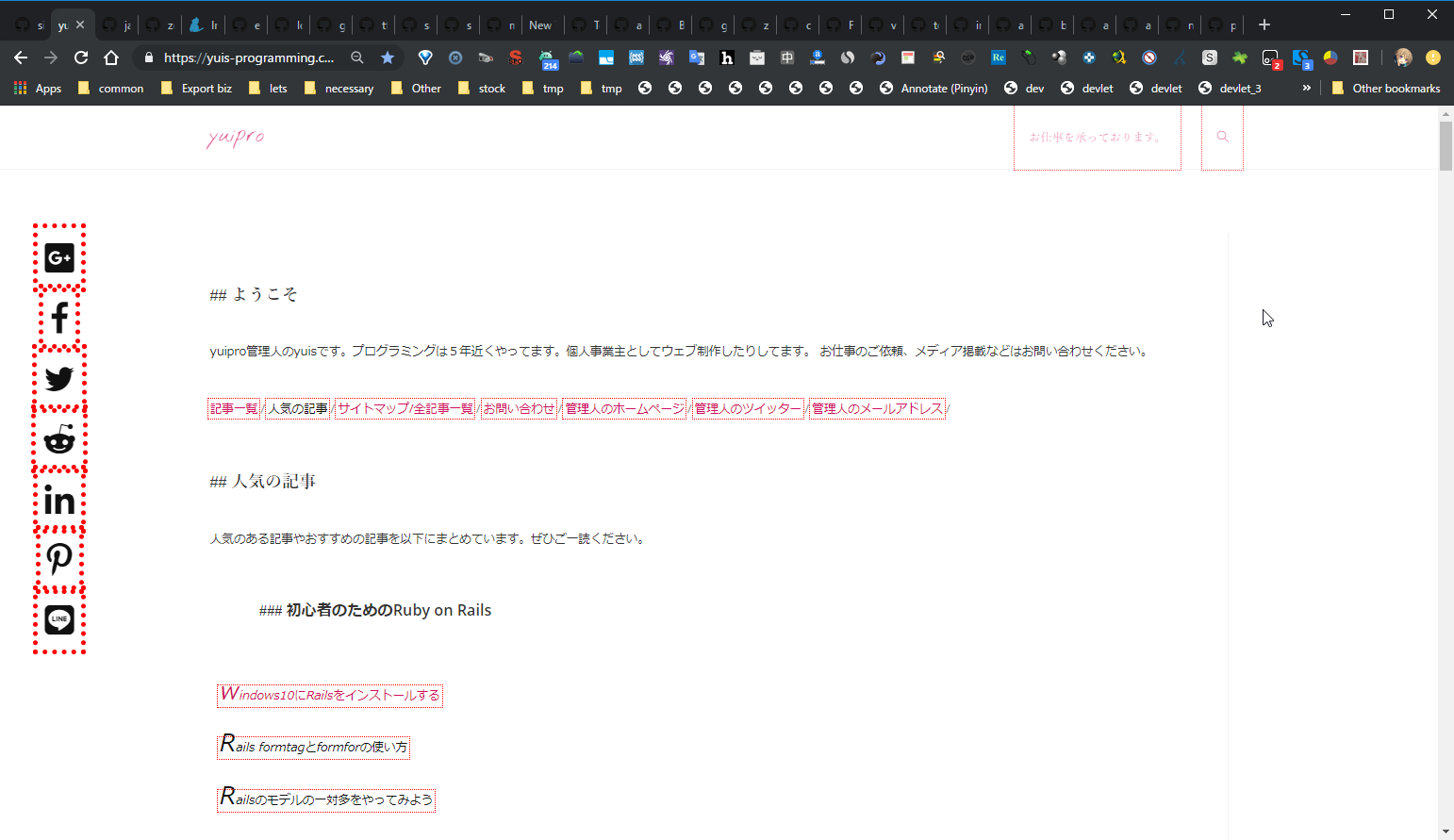
I’ll try capturing my site above with various options using pageres.
pageres http://yuis-programming.compageres http://yuis-programming.com 1024x768 --crop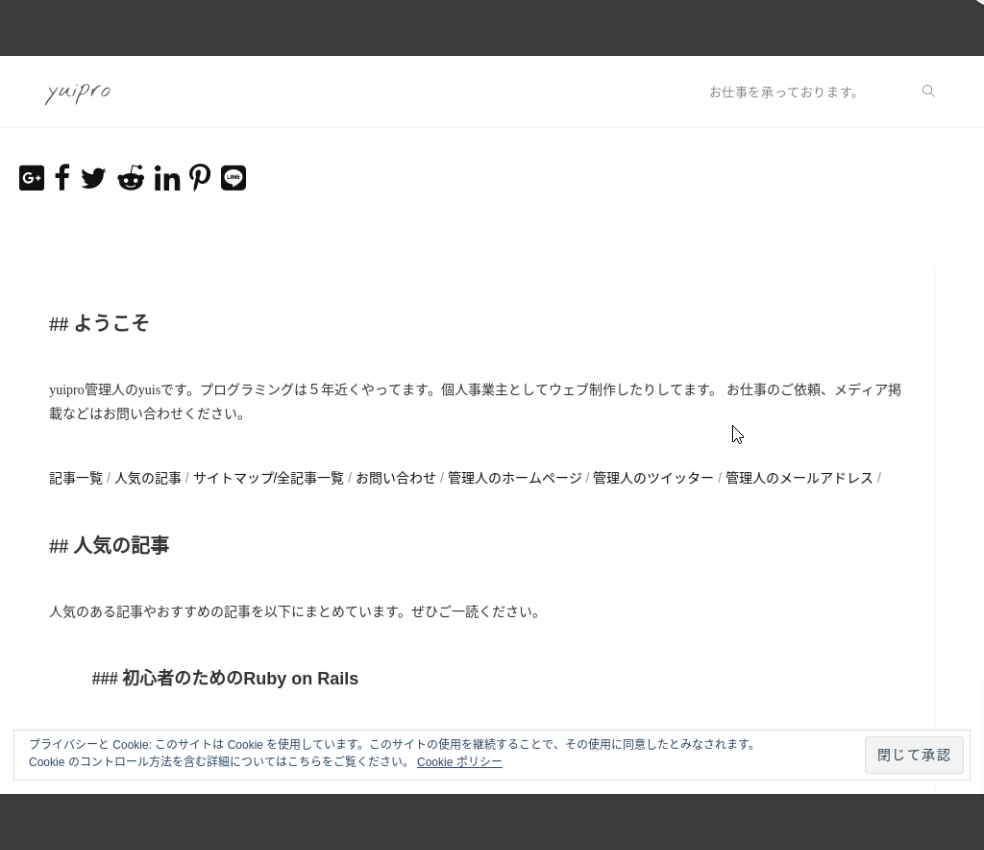
pageres http://yuis-programming.com 2048x768 --crop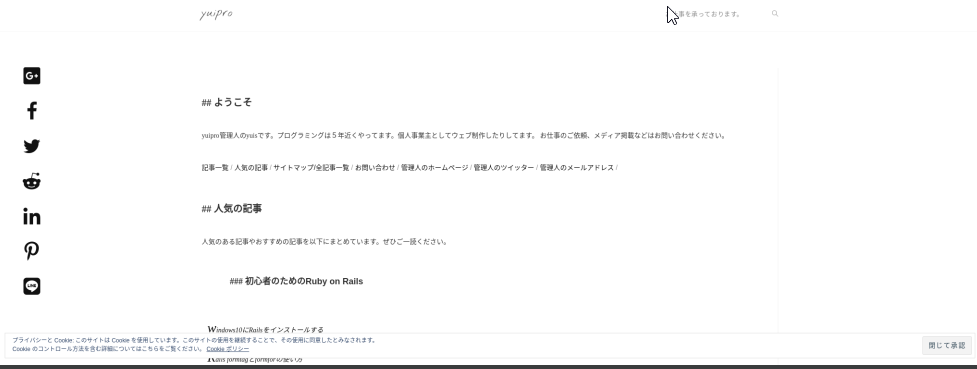
pageres http://yuis-programming.com --crop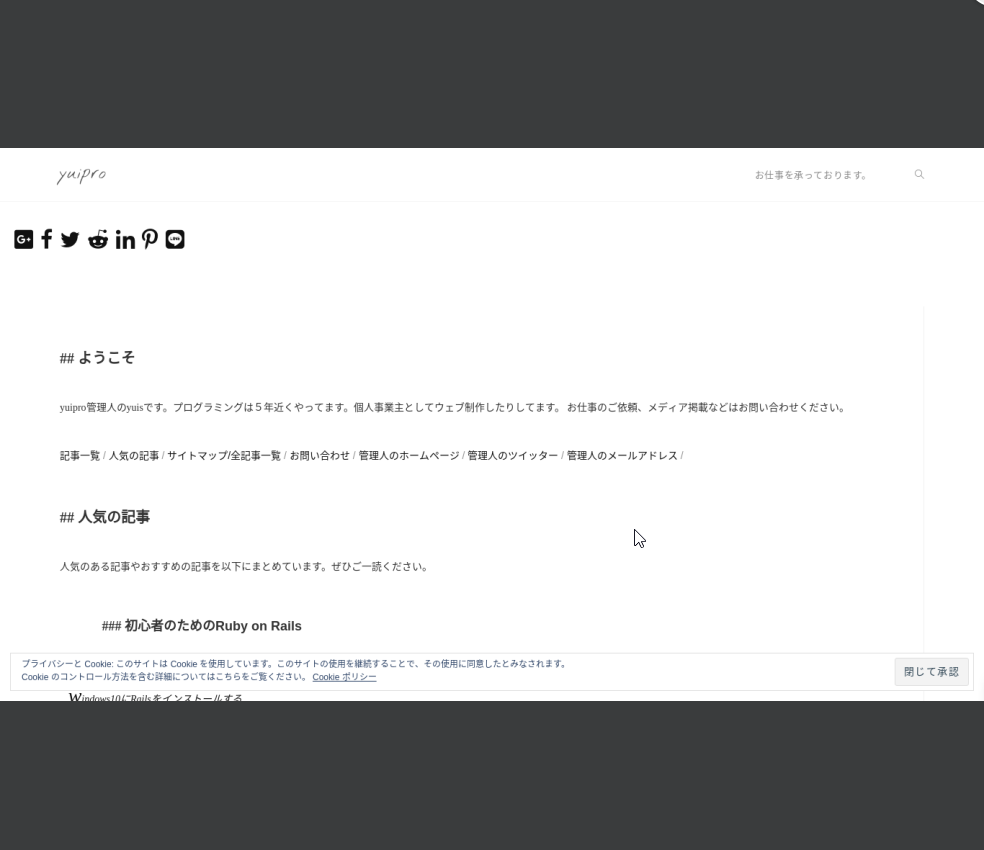
I tried capturing with various options specified as above.
This tool has various other options prepared as well.
Summary
This time I wrote about how pageres-cli, which can capture web page screenshots from the command line, was quite convenient.
Also, there are various other options prepared, so please refer to the official documentation.
Everyone, please try using pageres-cli. Also, if you have any interesting command line tools, please let me know.
I hope this article is somewhat useful to everyone.