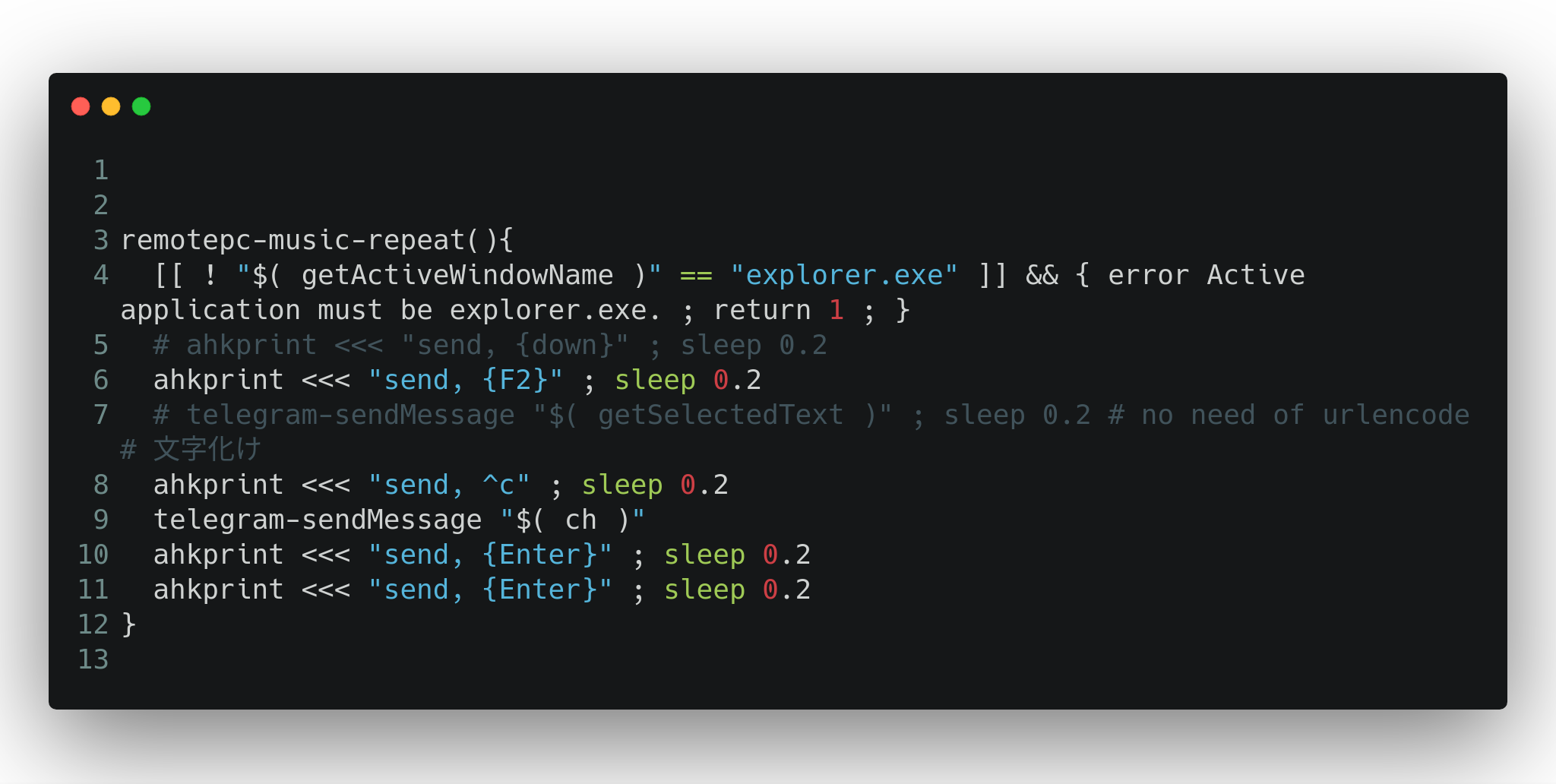
This article introduces how to generate cool-looking snippet images of script code using carbon-now-cli, a command-line tool that works on Linux Bash language command line or Windows command line.
# installation
npm i -g carbon-now-cli
mixn/carbon-now-cli: 🎨 Beautiful images of your code — from right inside your terminal.
On WSL, it cannot be installed due to the familiar error with Puppeteer’s headless Chrome browser.
Puppeteer doesn’t run under WSL (Windows subsystem for Linux) · Issue #1837 · GoogleChrome/puppeteer Running on WSL · Issue #3783 · GoogleChrome/puppeteer
Usage example
$ cat tmp02.sh

remotepc-music-repeat(){
  [[ ! "$( getActiveWindowName )" == "explorer.exe" ]] && { error Active application must be explorer.exe. ; return 1 ; }
  # ahkprint <<< "send, {down}" ; sleep 0.2
  ahkprint <<< "send, {F2}" ; sleep 0.2
  # telegram-sendMessage "$( getSelectedText )" ; sleep 0.2 # no need of urlencode # 文字化け
  ahkprint <<< "send, ^c" ; sleep 0.2
  telegram-sendMessage "$( ch )"
  ahkprint <<< "send, {Enter}" ; sleep 0.2
  ahkprint <<< "send, {Enter}" ; sleep 0.2
}

$ carbon-now -ho tmp02.sh
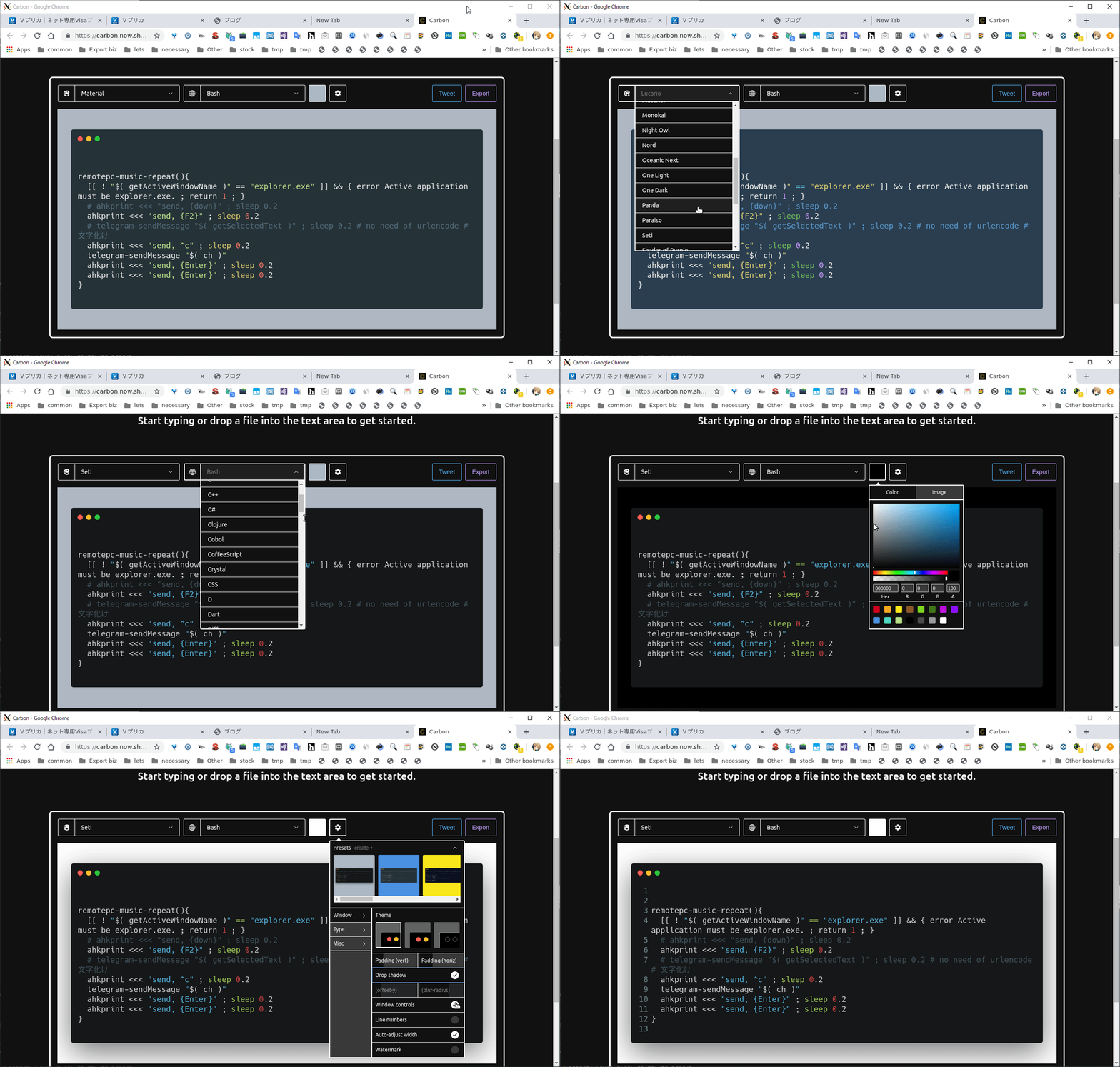
The -o option opens in a browser, allowing graphical editing.