In the JavaScript programming language, this article introduces how to clear the cache of external scripts loaded with @require in Tampermonkey.
In Tampermonkey, you can load external JavaScript files with @require.
I don’t like having files scattered everywhere, so I wanted to manage them centrally, and I wanted to load a file that contains all the necessary functions with require once so that Tampermonkey itself can work with simple code.
// @require https://yuis.xsrv.jp/cdn/js/jsrc.jsSo in this example, the jsrc.js file is updated quite frequently, and I end up updating jsrc.js as often as I update the Tampermonkey main code.
I assumed that it would load the file every time like bashrc, but apparently not.
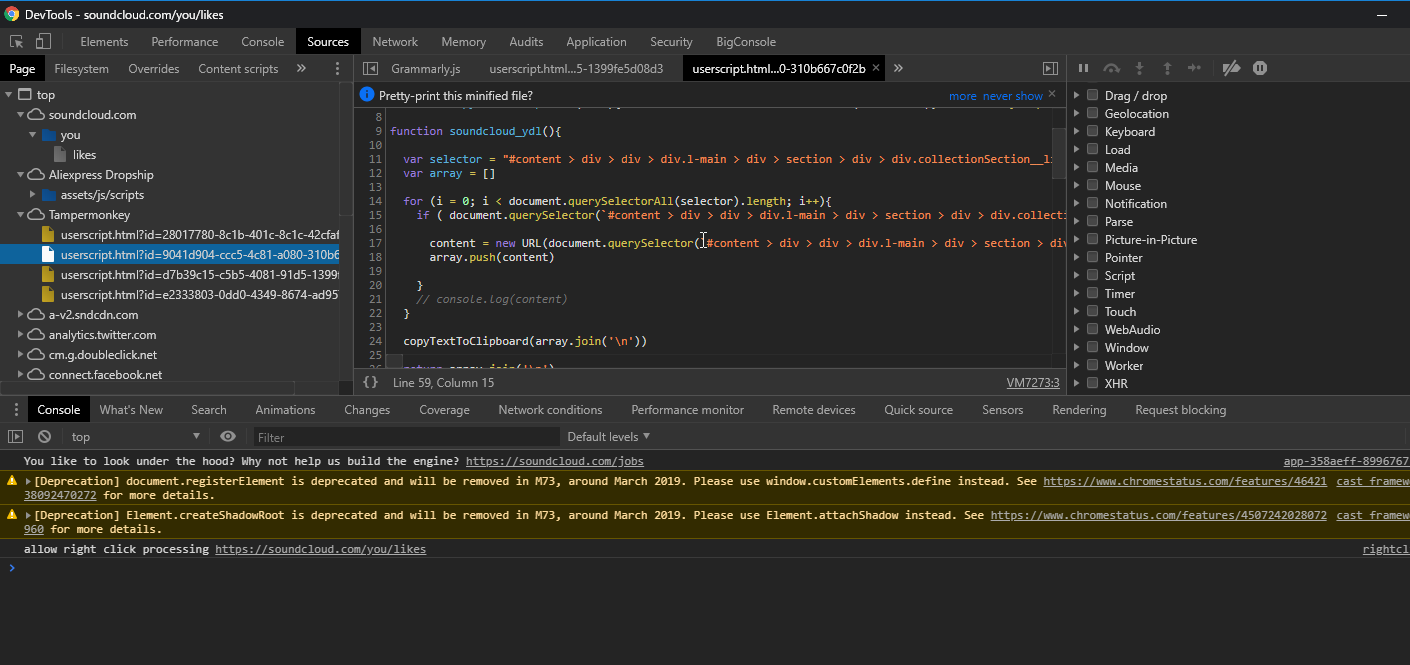
You can view Tampermonkey’s internal code from Chrome’s developer tools’ Sources tab, and looking at this, even though the jsrc.js file on the server has been updated, the code here doesn’t reflect the update.
What should I do? First, I tried deleting Chrome’s page cache with Shift-F5. But the code didn’t change. Naturally, the behavior didn’t change either.
So what should you do in the end? If it’s your first time, you wouldn’t know this method.
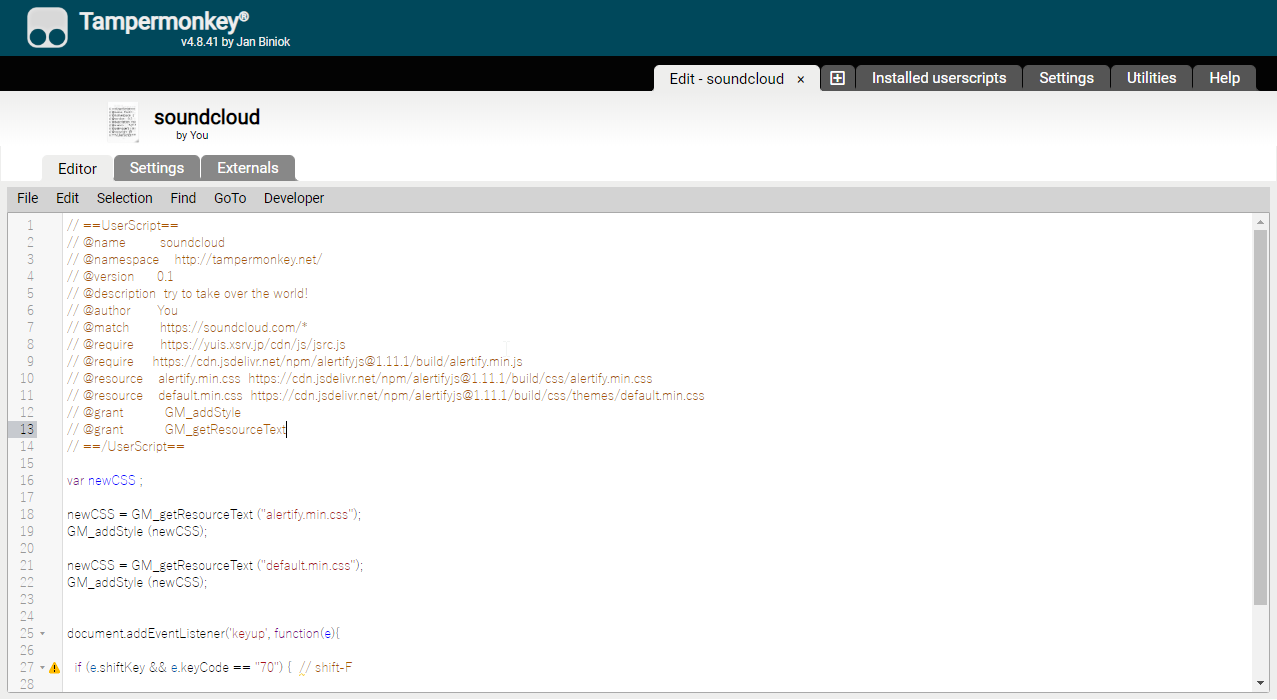
There’s a tab called externals in the script editor area, so click on it.
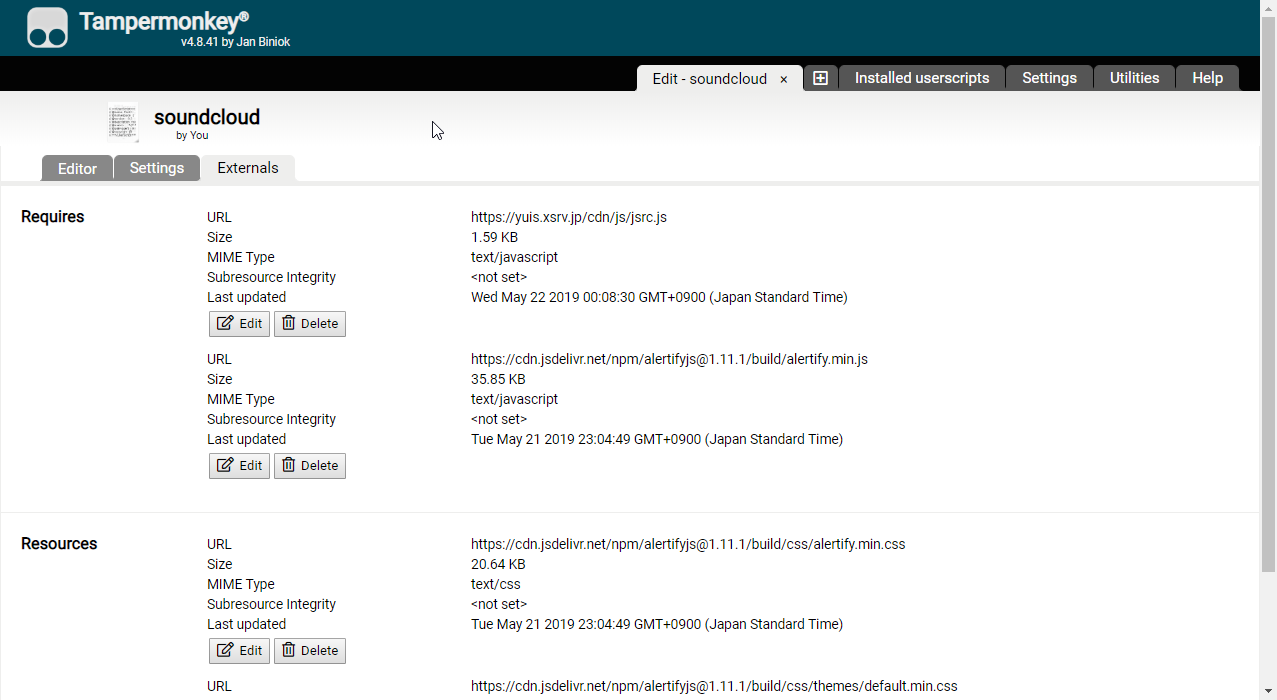
Then click “delete” for any file. This clears the cache.
After that, if you go to the page where the script runs and refresh normally, it should be reflected.
So, is there a way to not cache without doing this every time? There was an issue on GitHub about this, so I’ll post it here.