Since TAB key autocompletion was difficult to use in Sublime Text 3, I set it to be disabled.
I’m an Atom user, but the other day I discovered a serious flaw that TSV files couldn’t be created in Atom, and after trying various things without reaching a solution, I had no choice but to use Sublime Text, but this also has quite a quirk.
While Sublime Text and Atom have many similarities in package management, shortcut keys, etc., there are also differences.
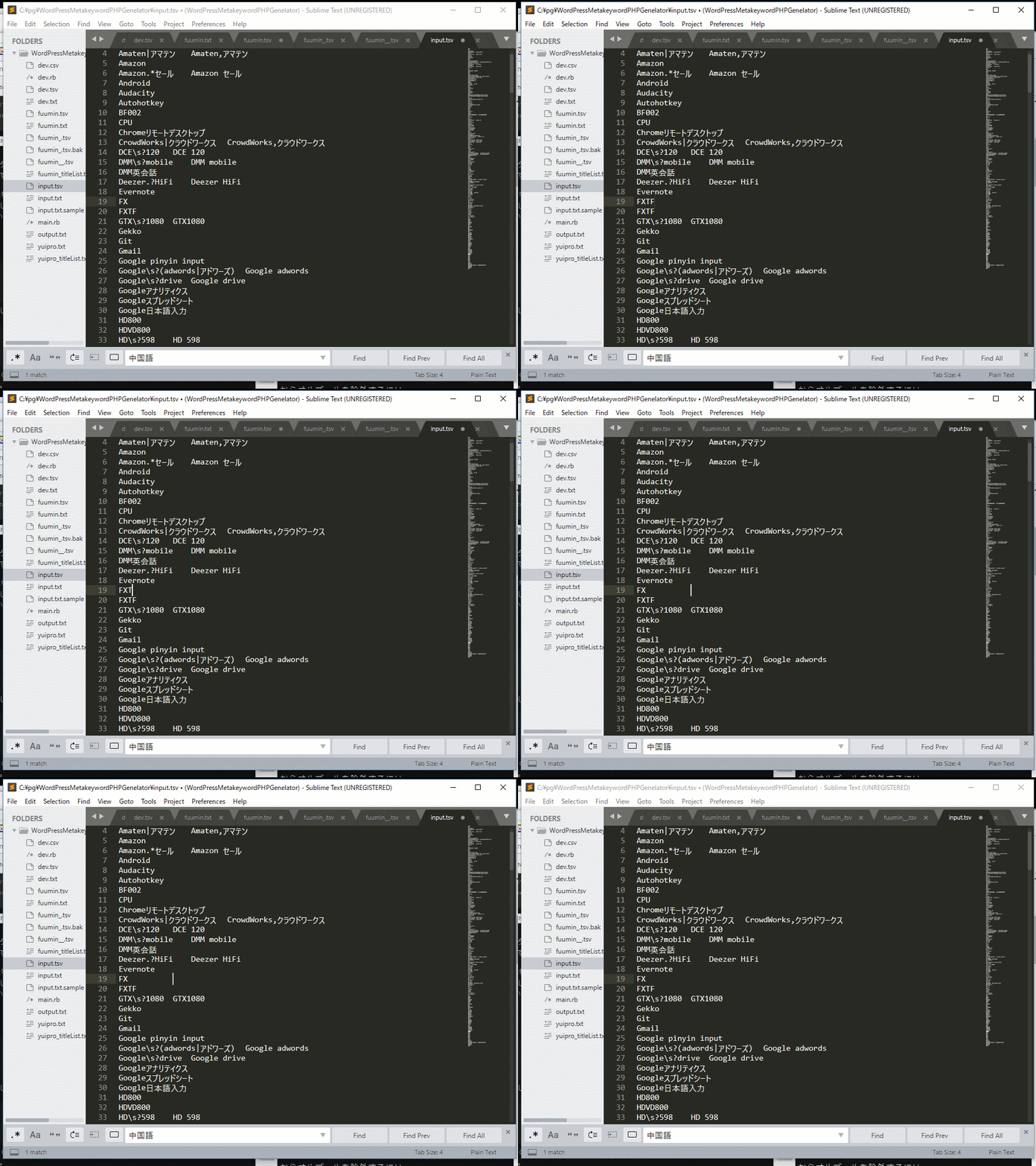
Pressing the tab key doesn’t create a tab… What is this…?
After researching various things, I found out that you can operate tabs with shift+tab keys.
But doing that every time is still tough, so I’ll change the settings.
The solution is:
Open settings with ctrl+shift+P > setting,
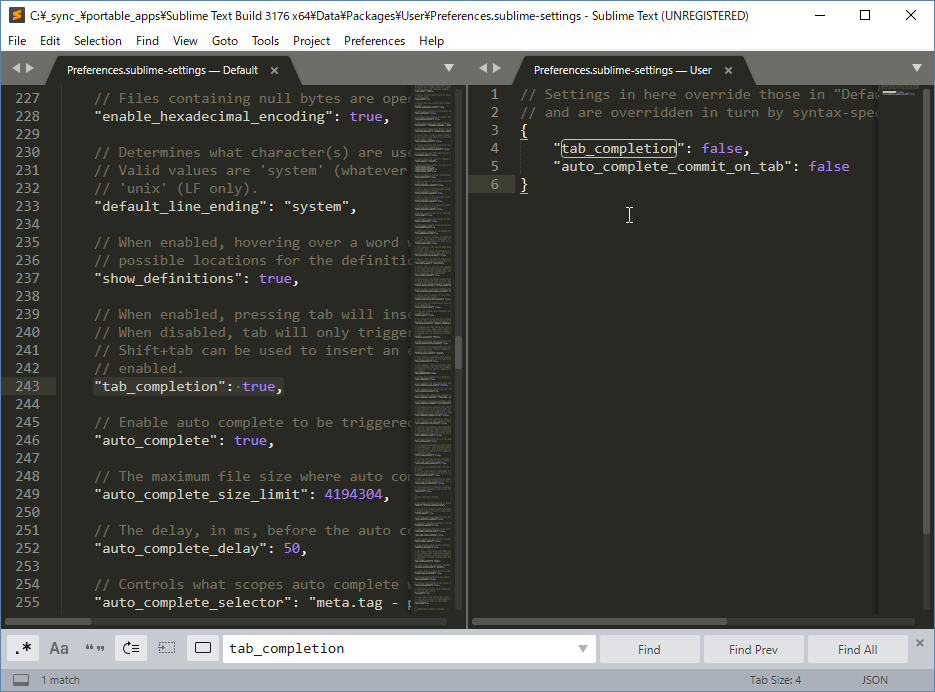
{
"tab_completion": false,
"auto_complete_commit_on_tab": false
}
Copy and paste this into the user settings.
This should fix it.