Introducing how to extract ISBN codes by reading book barcodes from images using Bash programming language (scripting language), the Linux command line language.
If you want to read barcodes from ubuntu/bash, ZBar bar code reader seems good. I’ll use this for verification.
sudo apt update ; sudo apt-get install -y zbar-toolsFirst, let’s try to extract from the following image. It has two barcodes.
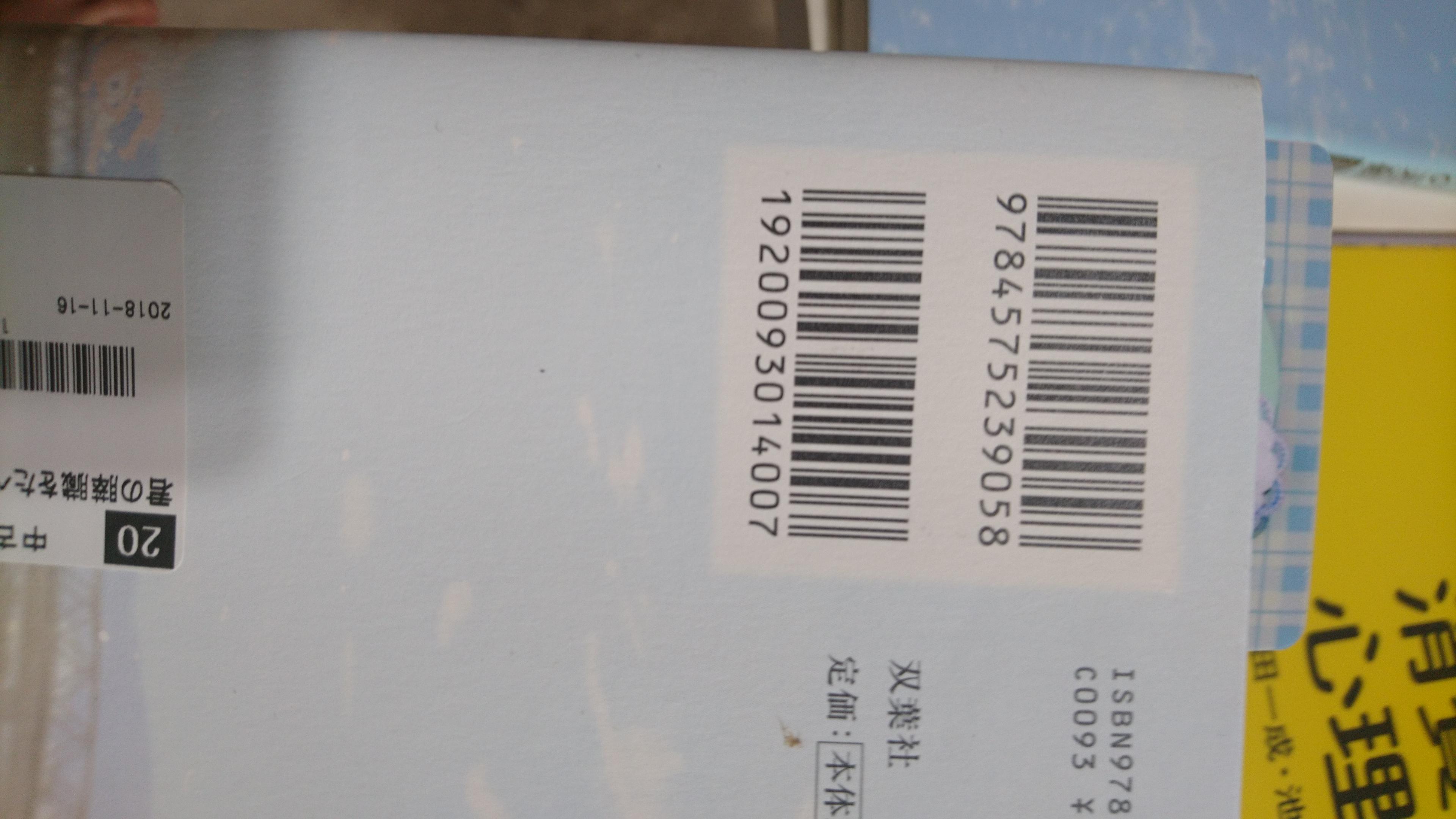
yuis@yuis:/home/development/tmp$ zbarimg http://yuis.xsrv.jp/data/QvP8B6rztvEeQ2I6gbkjF4uiyhb0SlAS.jpg
EAN-13:1920093014007
scanned 1 barcode symbols from 1 images in 1.1 seconds
Next, let’s try with an image that has only one barcode.
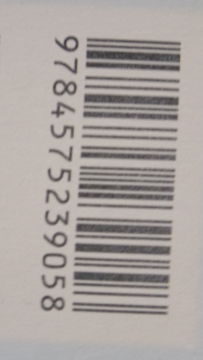
yuis@yuis:/home/development/tmp$ zbarimg http://yuis.xsrv.jp/images/ss/ShareX_ScreenShot_4adde2cf-8376-4f92-b412-c276f11937cb.png
EAN-13:9784575239058
scanned 1 barcode symbols from 1 images in 0.02 seconds
When there are two or more readable barcodes, it seems that the last retrieved barcode is prioritized.
If you want to get the ISBN, you need to take the image so that only the barcode starting with 978 is visible.
International Standard Book Number - Wikipedia
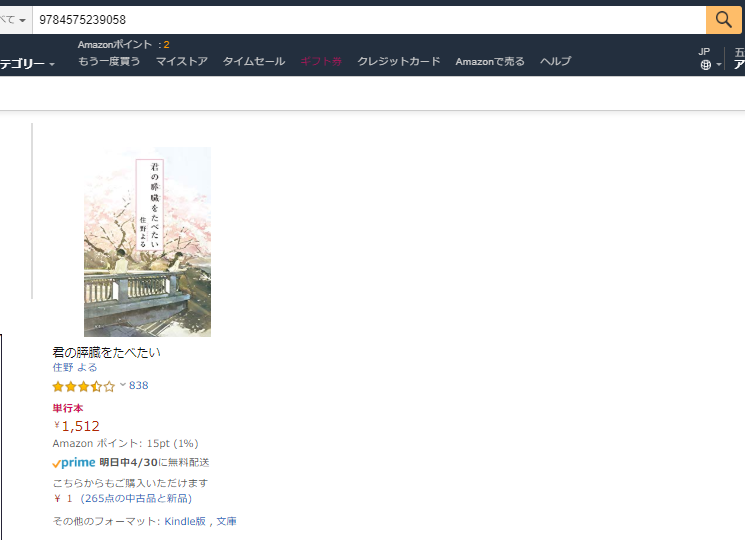
It’s good to lightly sed it.
zbarimg http://yuis.xsrv.jp/data/sAg7tDRwjsRJqmoBMmvzyQFFfSyUUjNE.jpg | sed -Ee 's/EAN-13:(.*)/\1/g'