Change the site address URL and WordPress address URL of a WordPress site using WP-CLI, a command-line utility for operating WordPress, via command line or SSH. For example, if you can’t access the WordPress admin panel for some reason, or if it results in an error, or there might be issues with http and https. In such cases, changing settings from wp-cli is convenient.
I had changed the WordPress site and admin panel URLs. So it was like this.
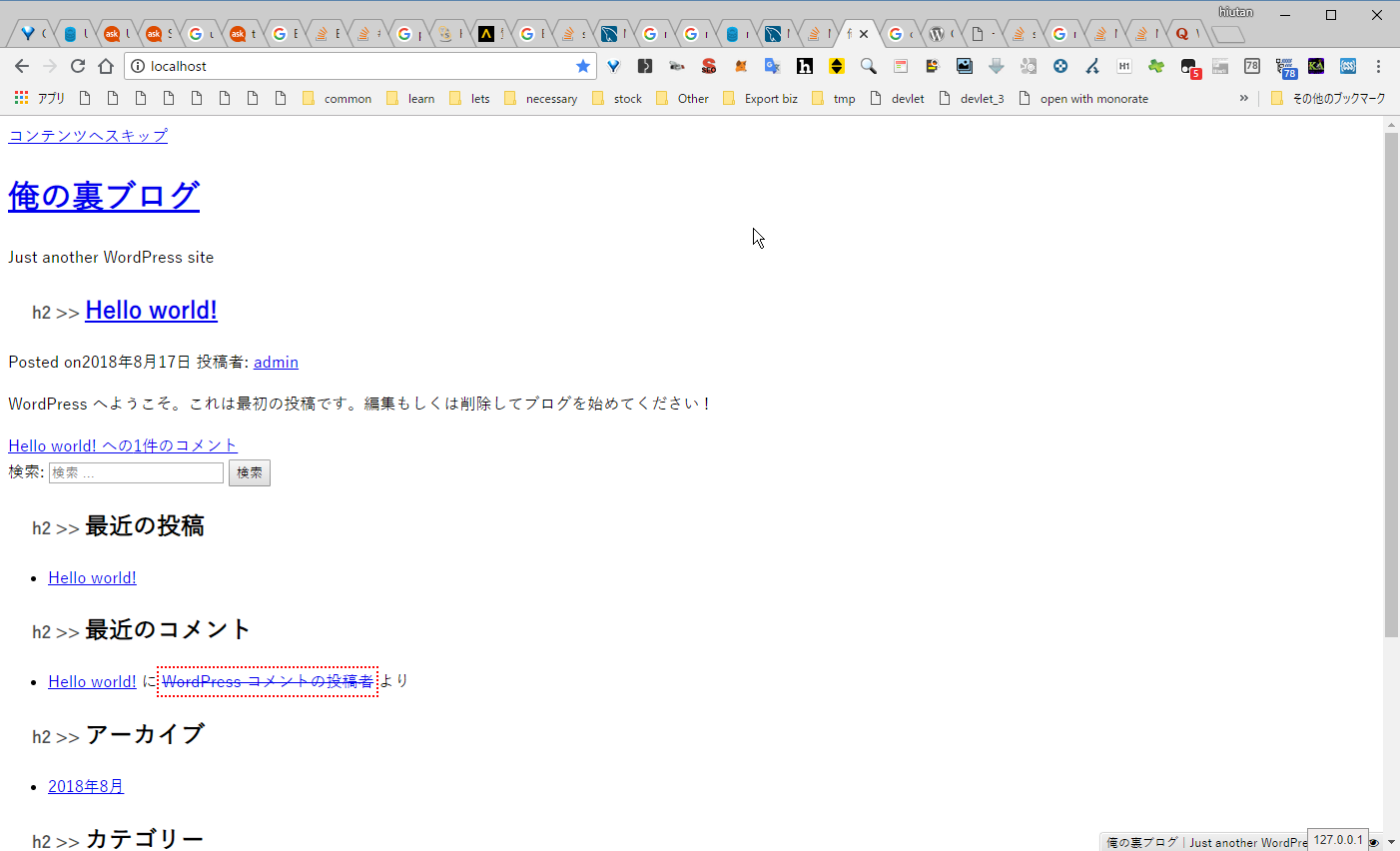
I remembered that you could do this with the wp command, so I tried it.
yuis@yuis-VirtualBox:/var/www/html/wordpress$ wp option get siteurl
http://example.com
yuis@yuis-VirtualBox:/var/www/html/wordpress$ wp option update siteurl localhost
Success: Value passed for 'siteurl' option is unchanged.
yuis@yuis-VirtualBox:/var/www/html/wordpress$ wp option update home localhost
Success: Value passed for 'home' option is unchanged.It looks like it was changed. Let me check…
(Visually checking the site)
It’s not fixed… why?
yuis@yuis-VirtualBox:/var/www/html/wordpress$ wp option get home
http://example.com
It hasn’t changed…
yuis@yuis-VirtualBox:/var/www/html/wordpress$ wp option update home 127.0.0.1
Success: Value passed for 'home' option is unchanged.
yuis@yuis-VirtualBox:/var/www/html/wordpress$ wp option get home
http://example.com
Here I noticed. The existence of http://. And the existence of option is unchanged..
I’m not the only one who thought it should be a warning instead of success if it can’t be changed, right?
yuis@yuis-VirtualBox:/var/www/html/wordpress$ wp option update home http://127.0.0.1
Success: Updated 'home' option.
yuis@yuis-VirtualBox:/var/www/html/wordpress$ wp option get home
http://127.0.0.1
yuis@yuis-VirtualBox:/var/www/html/wordpress$ wp option update siteurl http://127.0.0.1
Success: Updated 'siteurl' option.
It worked!
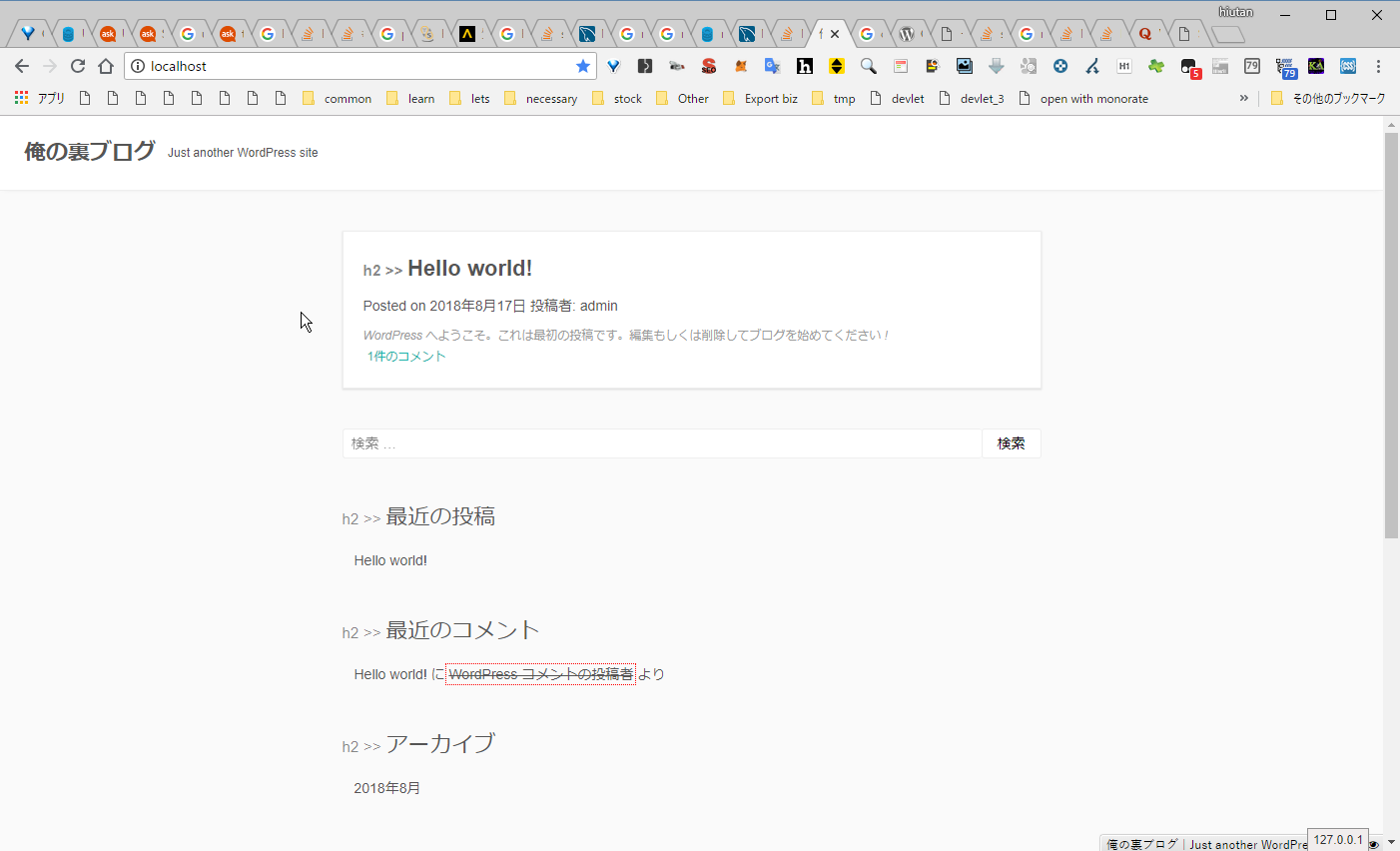
It’s working!