I’ll introduce “urlwatch”, an open-source software on Github that notifies you of website changes and updates.
There are quite a few apps and web services that notify you of website changes and updates, and I used to use Chrome extensions myself. However, it’s become common knowledge that such things are either paid or have low extensibility. If possible, I want to utilize open-source projects available on Github.
The Python-based CLI (command-line tool) “urlwatch” published on Github monitors changes to websites or parts of websites and notifies you via email or Telegram.
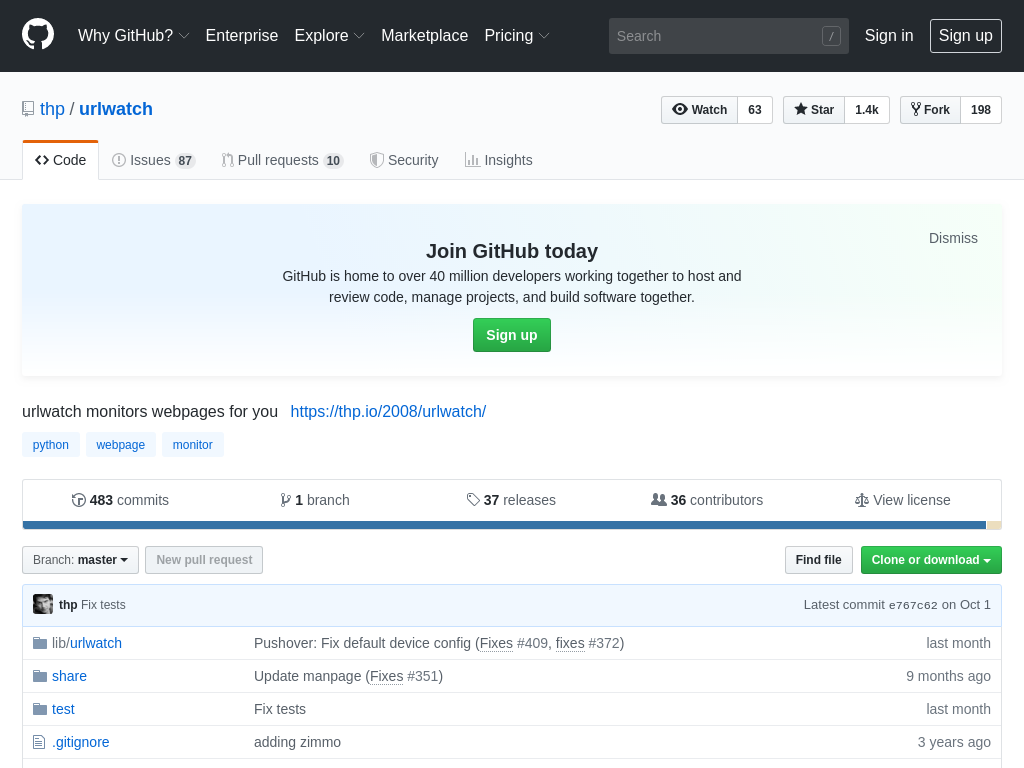
GitHub - thp/urlwatch: urlwatch monitors webpages for you
First, installation.
pip3 install --upgrade urlwatchIf you don’t understand the above command or haven’t installed WSL on Windows yet, please refer to the following first:
- WSL bash on ubuntu on windows Installation Procedure
- First Time with Bash. Loading Functions and Aliases [For Beginners]
- As Someone Who’s Been Using WSL (Windows Subsystem for Linux) Since the Beginning, I’ll Explain WSL’s Benefits for Linux and Programming Beginners
List the URLs you want to monitor and related information in the .config\urlwatch\urls.yaml file. Open the file in an editor or edit it with urlwatch —edit.
If you use urlwatch —edit, you need to set an editor in the CLI. Set your preferred one from Vim or nano.
export EDITOR="/usr/bin/vim"
export EDITOR="/bin/nano"
Now, let’s try it with my website as a test. If you don’t have your own site, you can try it with Twitter or similar.
First, write the following in the urls.yaml file:
kind: url
name: test fumiya.org
url: https://fumiya.org/?p=10
# filter: element-by-id:content
filter: xpath:/html[1]/body[1]/div[1]/div[1]/main[1]/div[1]/div[1]/div[1]/article[1]/div[1]
# diff_tool: meld
The url and filter options are key. For filter, besides selectors and xpath, if it’s a simple id, you can specify it as filter: element-by-id:content. If you don’t include the filter option, the entire page becomes the monitoring target.
For many websites, even if administrators or moderators don’t update articles, the source code of the entire page often changes due to dynamically generated data from PHP or JavaScript. If you know exactly which part you want to monitor for changes, rather than monitoring the entire page, clarifying the path to that part will increase accuracy.

After saving the file, you can check the job list with urlwatch —list.
Now, save the current page source code with urlwatch.
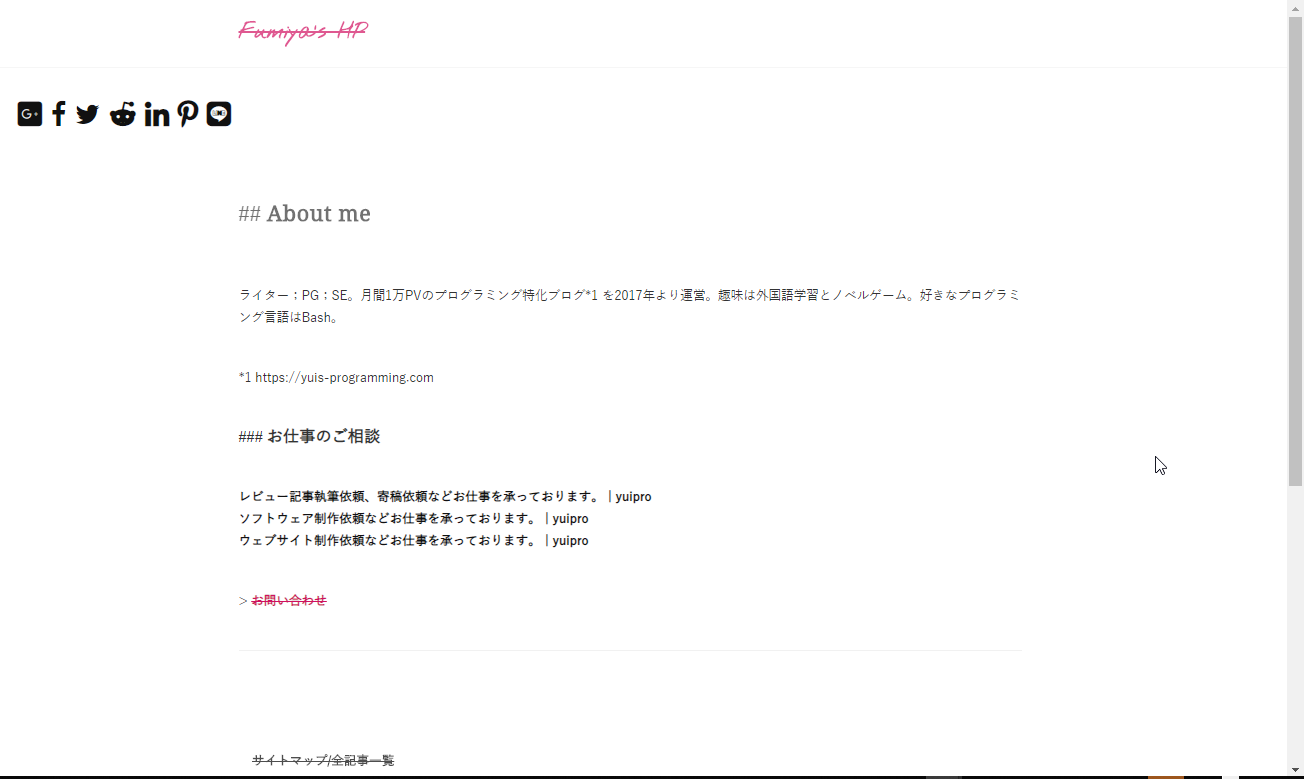
This is what the website looked like when saved.
Next, edit a file on the server to change part of the above website’s source code.
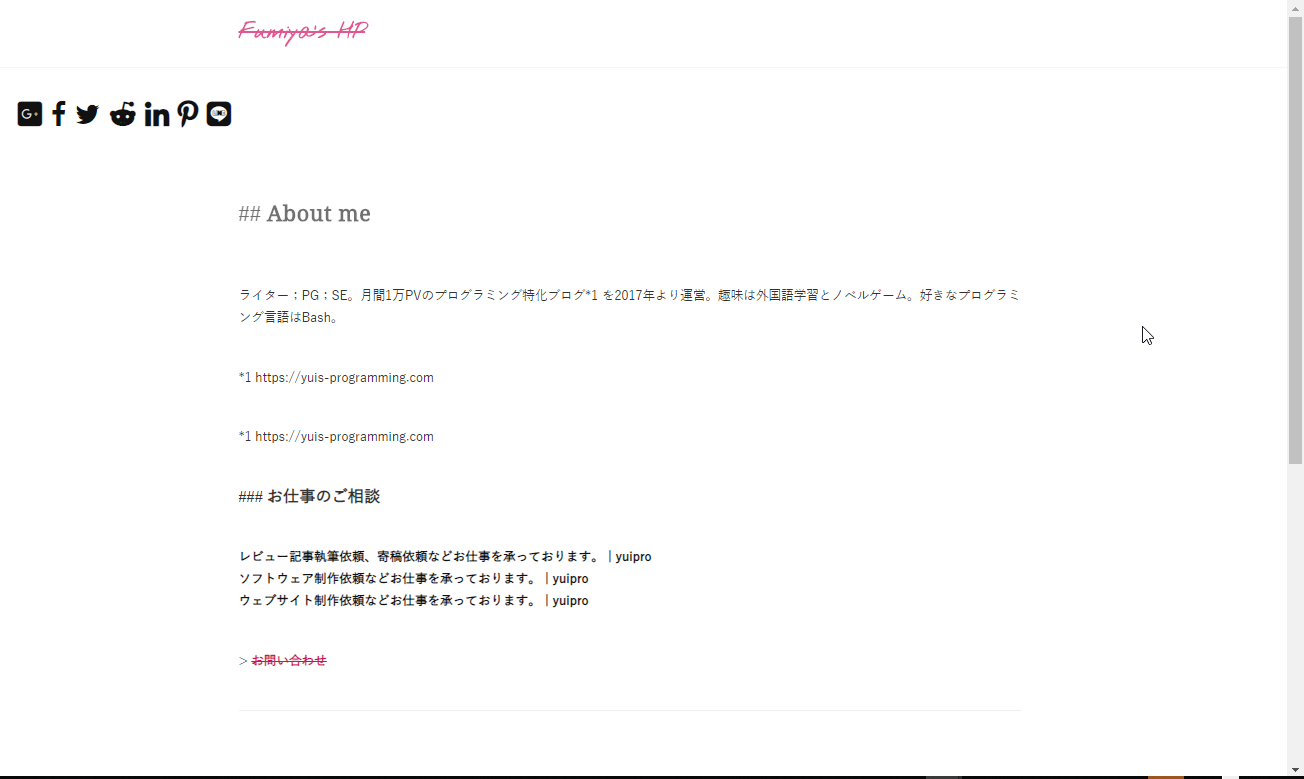
I made changes to some text to make it look like this.
Now, let’s run urlwatch again.
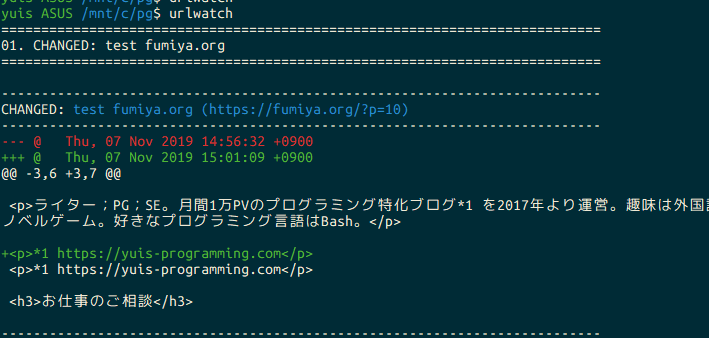
It output like this. You can see the diff of the changed text part.
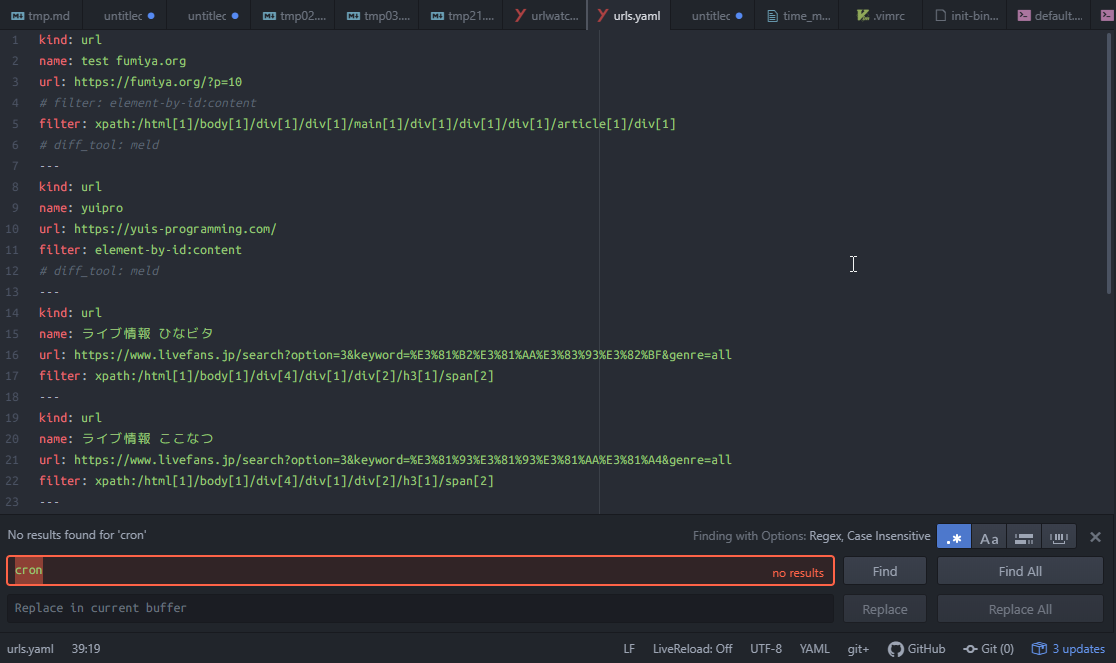
If you want to register multiple URLs, separate them with ---. As an example, here’s what my practical urls.yaml looks like.
This is already a perfectly usable tool as is, but the project can integrate with Telegram or email servers. I prefer Telegram because it’s simpler, so I’ll briefly introduce how to set up Telegram notifications here.
Sending Messages to Telegram via curl Command from Ubuntu Bash Using Telegram API
Telegram and email notification settings are written in the .config\urlwatch\urlwatch.yaml file.
If you do a string search, you’ll find telegram, so you can just enter your API appropriately…
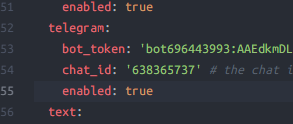
One thing to be careful about is not to put the bot string at the beginning as shown above.
If you add bot, it will be interpreted as botbot12345… in the internal code, resulting in an error.
for chat_info in requests.get('https://api.telegram.org/bot{}/getUpdates'.format(bot_token)).json()['result']: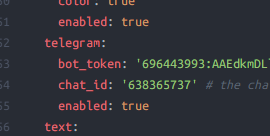
This is the correct way to write it.
Well, all that’s left is to run this periodically with cron or node cron, and you can automatically monitor and notify website changes at regular intervals like hourly or daily. Good work.