I encountered a problem where the entire WordPress site layout suddenly broke without me doing anything, so I’ll introduce the cause and solution.
To conclude first, it seems it was due to a bug specific to my environment, so it may not directly help solve others’ causes. Nevertheless, I’m leaving this memo hoping it might provide hints for solving problems or investigating causes.
This just happened a moment ago, but I was testing a jQuery plugin on some site when I thought this site would be good. When I accessed it…
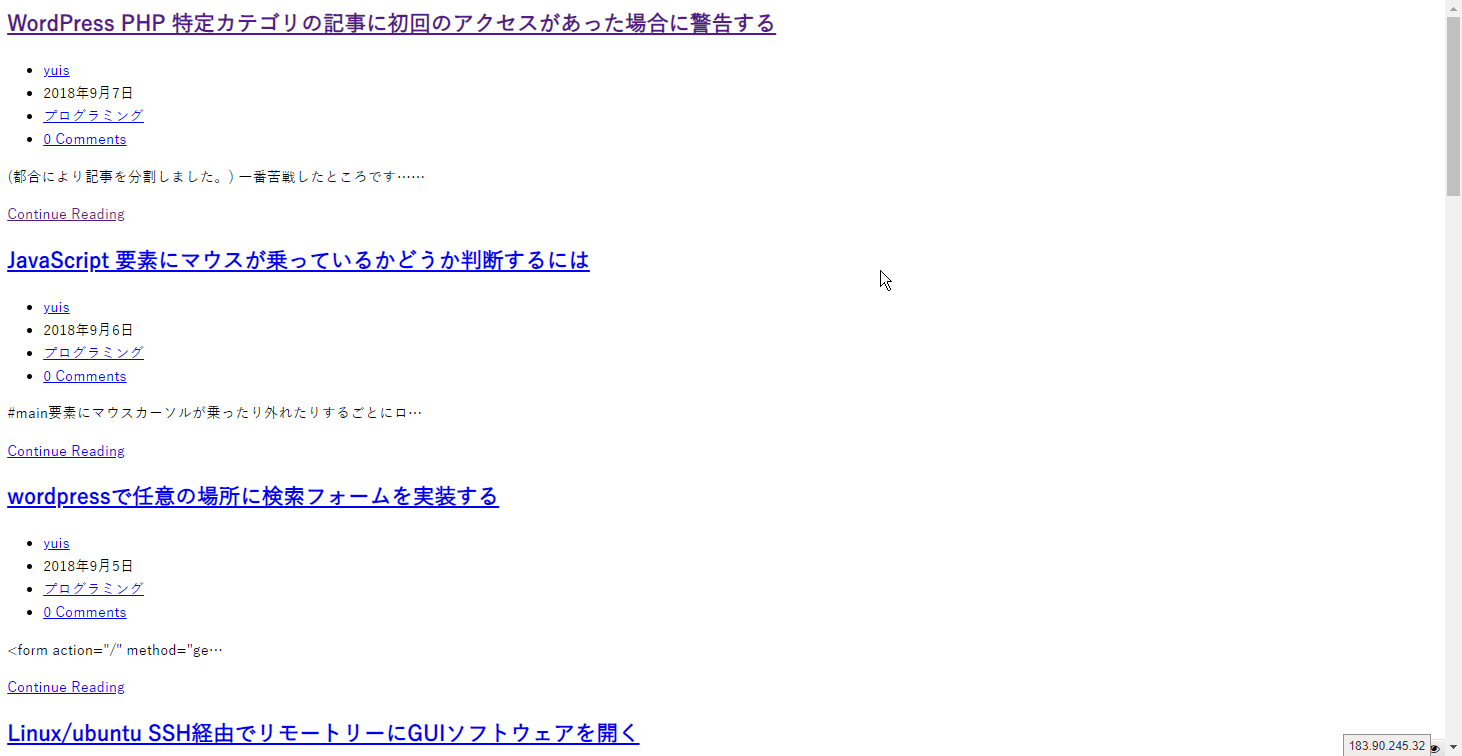
…Huh?
Not just the layout. The title tags and meta tags are all gone… This is the worst… I can only pray it’s not too late…
The first thing I thought of was hacking. As expected. The next thing to think about is server-side trouble.
First, I checked if my other sites were affected. They’re fine.
If there was something with the server, I should have gotten an email, but there wasn’t one.
I hadn’t done any operations until just before that would affect the server or all my sites, at most a bulk update of the core or plugins… could that be it?
For now, I need to investigate how much damage there is, so I SSHed into yuipro’s child theme and immediately opened header.php with rmate (*a program that opens server files in the atom editor).
…Blank. (In terms of editor colors, it’s pitch black.)
Nothing written.
I checked damage to other files and PHP files that use locate_template. These were fine.
So just header.php.
Fortunately, I had recently done a major update and had committed a stable version to git. First, I FTPed the folder, copied it again, did a hard reset, and opened header.php in the editor. …Well, there might be something missing, but at least there’s code I recognize and I’m relieved.
I copied and pasted this into header.php opened in SSH. Saved. Updated the site with shift+F5…
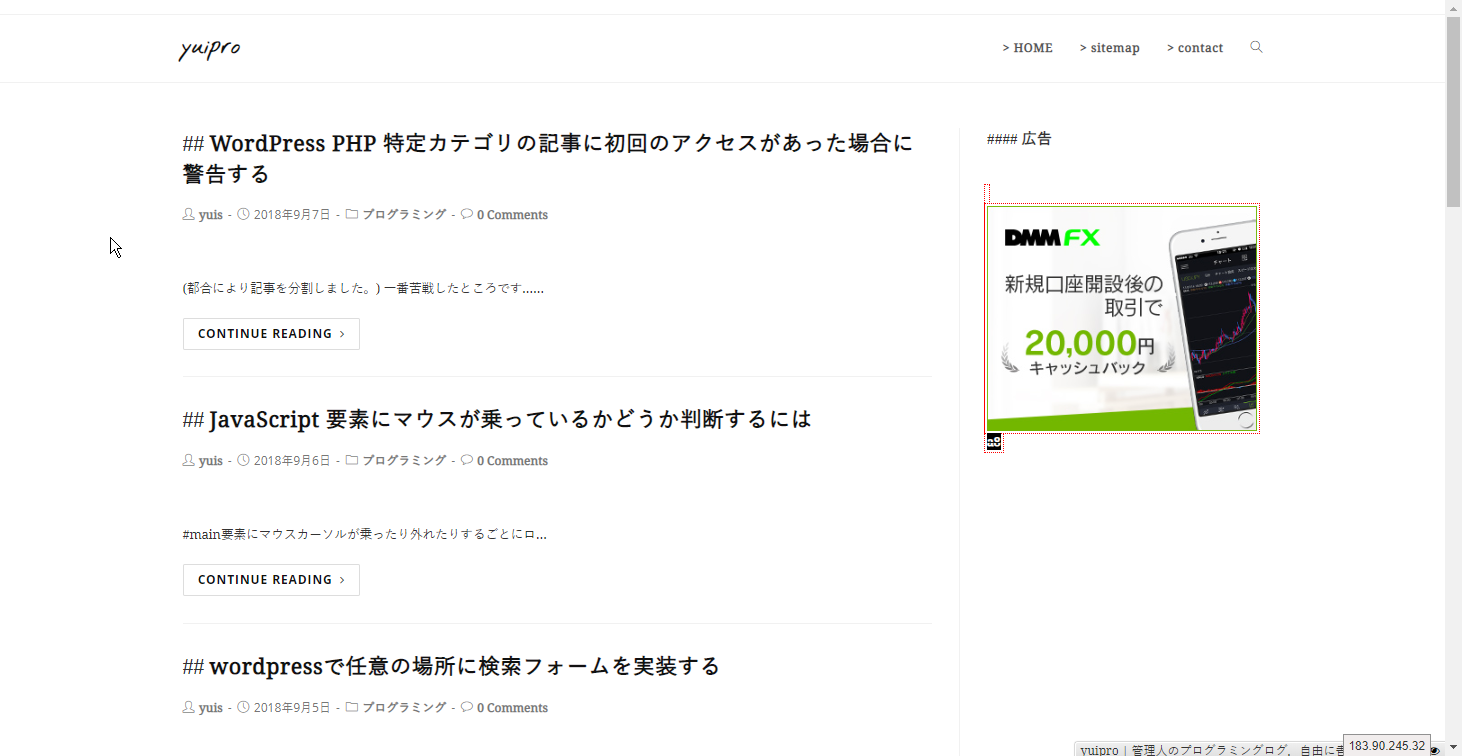
Good… for now. I also checked existing pages and sitemaps including meta tags. There doesn’t seem to be any damage as far as I can remember.
Why Did This Happen
Actually, I have one suspicion.
Maybe, but,
I use a tool called rmate that lets me open and edit files in Atom while SSHed. A few days ago, I was editing various files including header.php with rmate.
Then, what was the cause, I think. I was SSHing to a different server at the same time, and there I did rmate to /etc/environment.
Then Atom wouldn’t open the file. And it eventually couldn’t open, so I force-closed that Atom window, and after that rmate worked again. The existing rmate session was just force-killed.
After that, I worked without any problems, went through a PC restart, and here we are,
but maybe at the time of this force close, header.php that was opened with rmate was affected…
Scary…
Summary
Important data and code can become corrupted at any time. I thought it would be good to save frequently with Git at good stopping points, and also take full folder backups to a different remote server other than local to be safe.