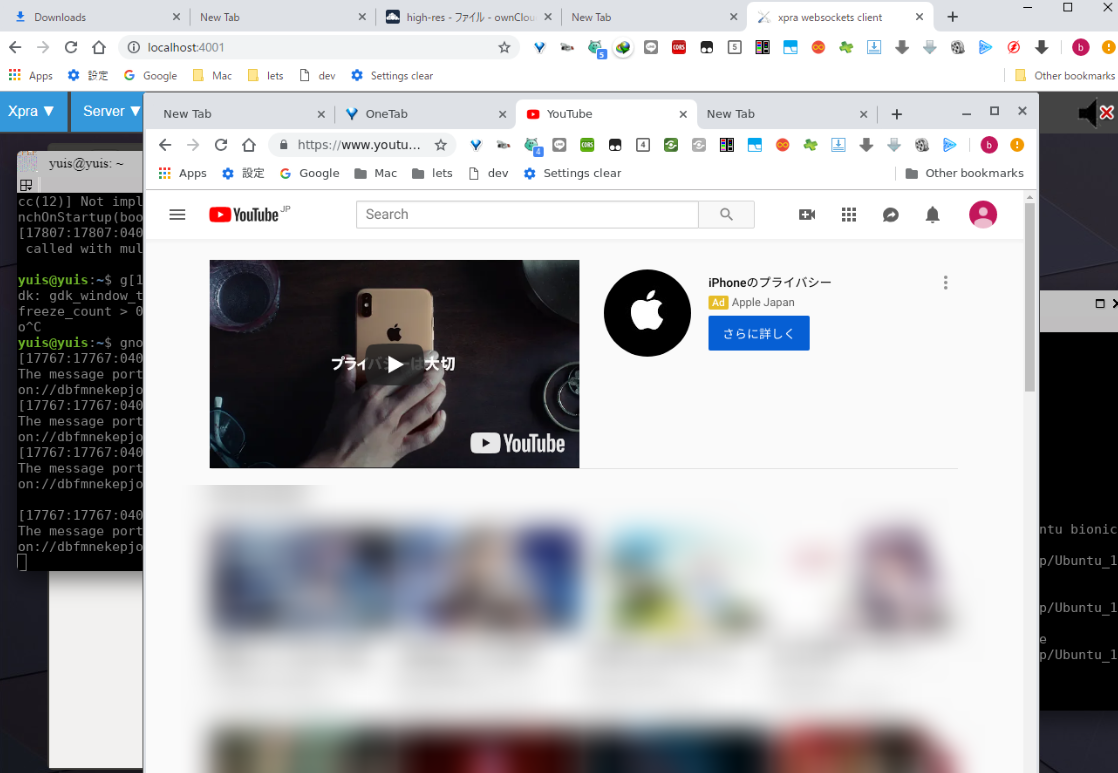
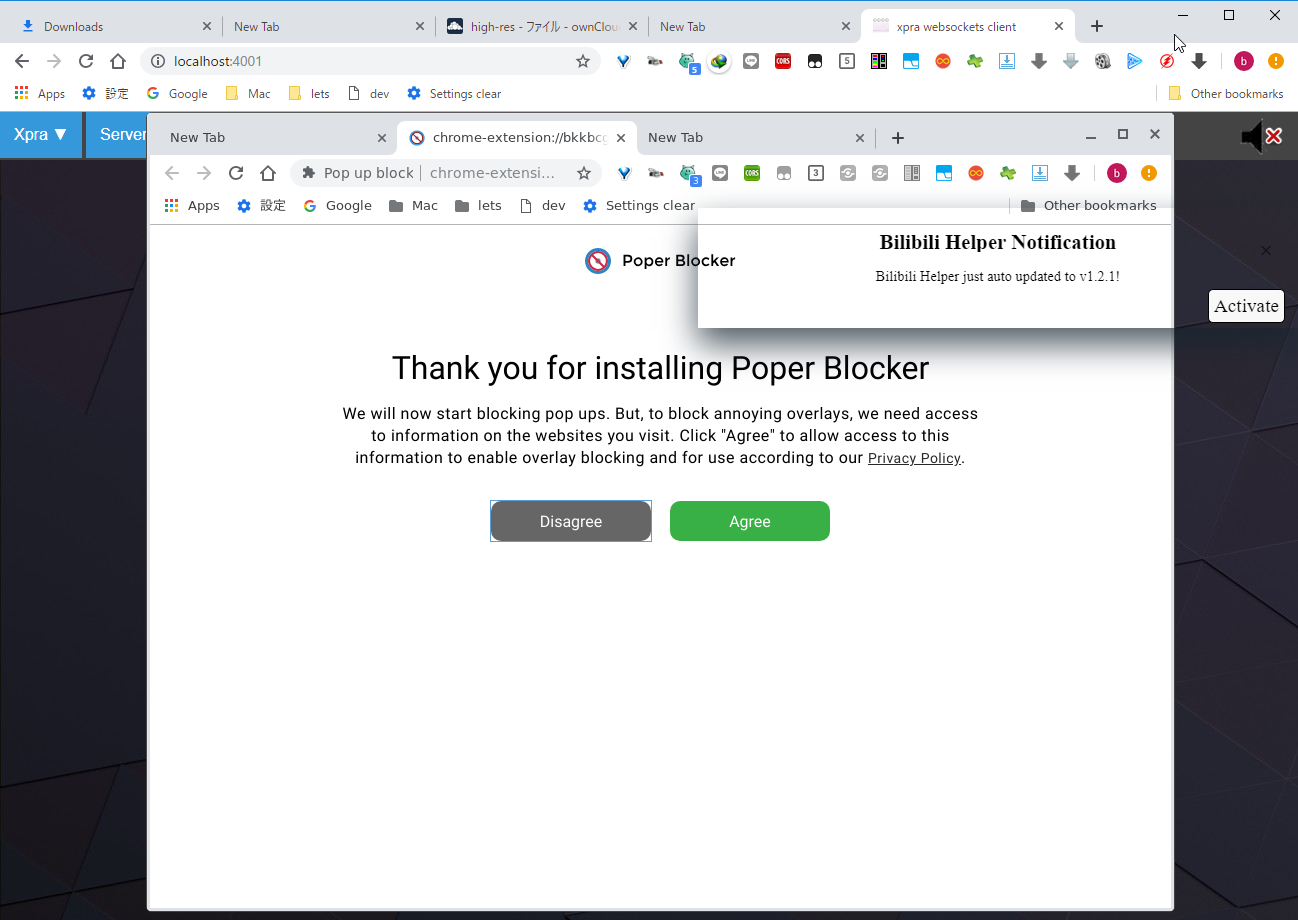
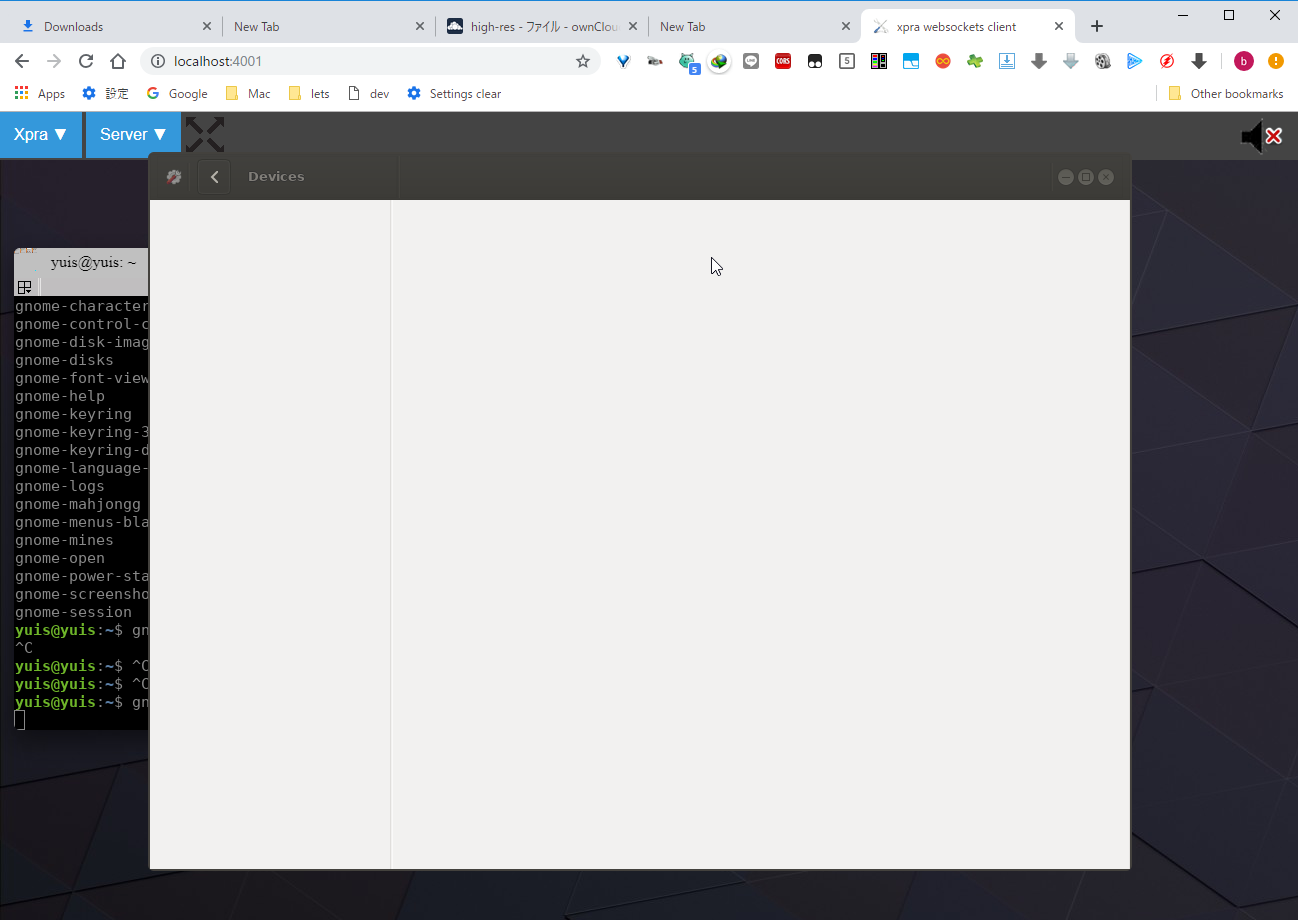
There’s a project called xpra that’s been around for a while, it can do various things like X11 forwarding, and to put it in one word quoting the site’s description, it’s cross-platform X11 forwarding.
I wonder if cross-platform includes Android, but Android is under development. Probably best not to expect too much.
- Clients/Android – Xpra
- How to Use xpra to Run Linux Applications in a Web browser - YouTube
- Versions – Xpra
Install the terminal.
sudo apt-get update
sudo apt-get install terminator
Refer to the following for installation steps (Ubuntu 18.04)
Window Switch - Debian Repository
Execute.
# xpra start --bind-tcp=0.0.0.0:4001 --html=on --start-child=gedit :e
    # xpra start --bind-tcp=0.0.0.0:4001 --html=on --start-child=bash :e
        # xpra start --bind-tcp=0.0.0.0:4001 --html=on --start-child=termx
        # or
        xpra start --bind-tcp=0.0.0.0:4001 --html=on --start-child=terminator
            # xpra start-desktop --bind-tcp=0.0.0.0:4001 --html=on --start-child=terminator
Scripts I run quite frequently
kill -9 $(sudo lsof -Pi -sTCP:LISTEN | grep 4001 | awk 2)

kill -9 $(ps aux | grep xpra | awk 2)
After running xpra start —bind-tcp=0.0.0.0:4001 —html=on —start-child=terminator, access localhost:4001.
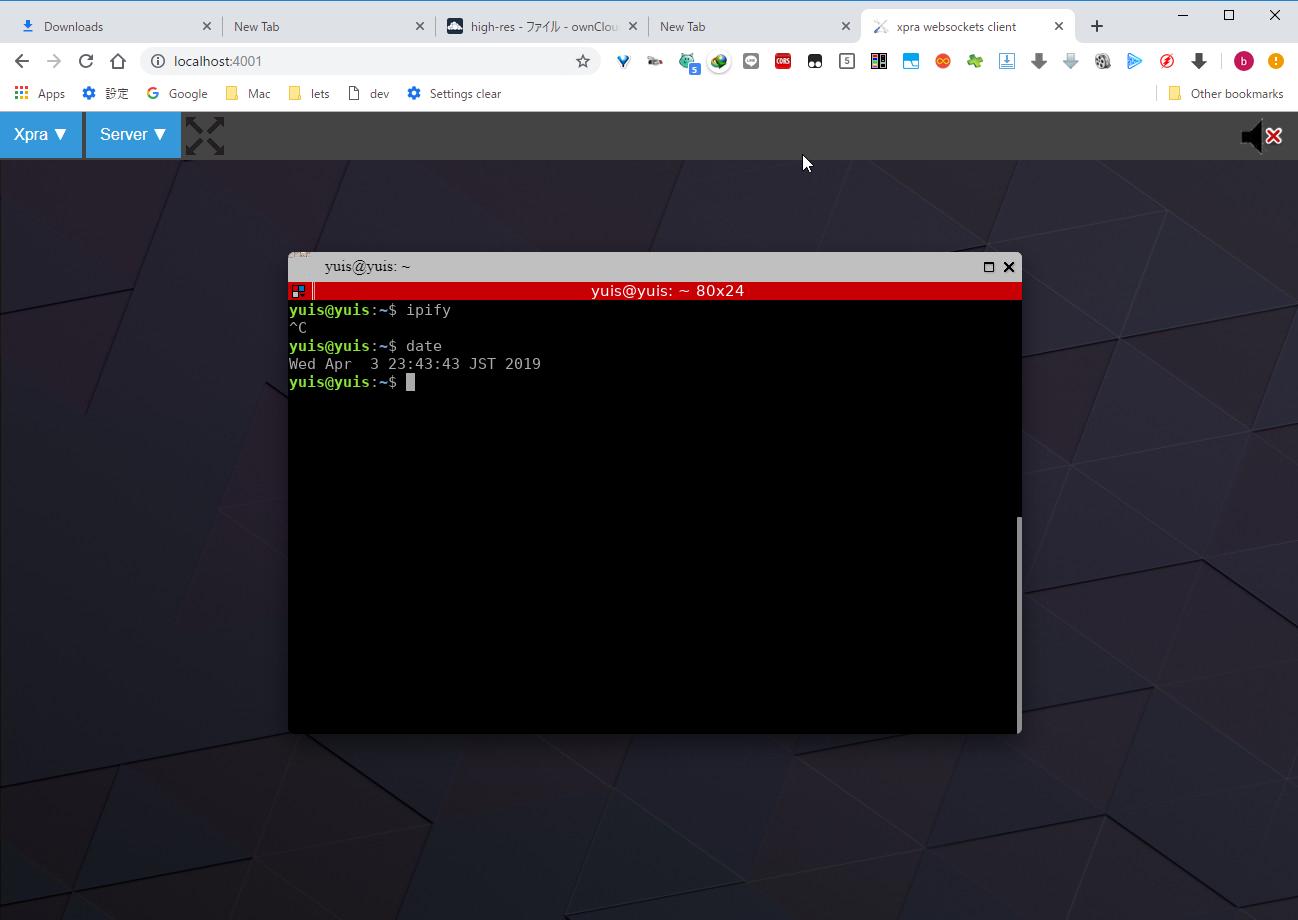
Looks pretty good.
After trying various things, it seems you can also open Atom and Chrome.
To summarize briefly,
- No sound
- Many bugs
- Need to configure with gnome-control-center but gnome-control-center won't open
- Can't use keyboard shortcuts
- Fun to play with but not practical
- Good for showing off to friends but not practical
- The completeness is somehow regrettably close
- If you're just using CLI, it's practical. But then you might as well just use SSH.
Don’t say it’s a careless summary. I worked hard for 6 hours but this is my conclusion. Really, good job me…
The version is the same as the latest stable. Pulseaudio is also installed, and I don’t know anymore. (crying)
I had expectations because the latest version was from March 2019.
I struggled with the bug Error: no video pipeline options found for BGRA at 734x452, but #757 (Getting “BUG: failed to setup video pipeline…” Server output) – Xpra was closed without being fully understood.
But it’s interesting that technology has progressed this far. Looking forward to the future.