This article discusses how to deal with and countermeasures for when Chrome displays Japanese content despite changing language settings.
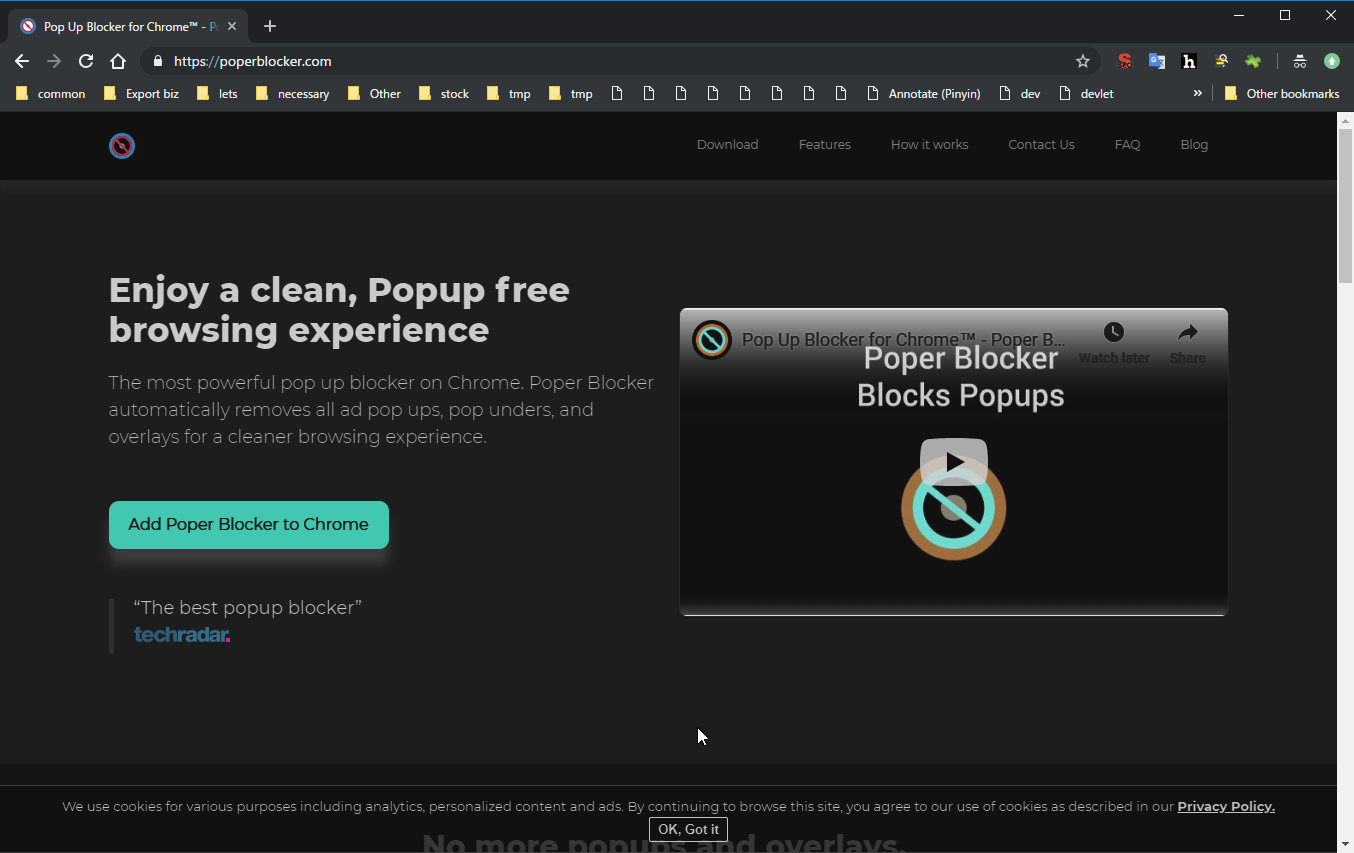
All language settings are set to English. There’s no way Japanese pages should be displayed.
It should be displayed in English, but…
orz.
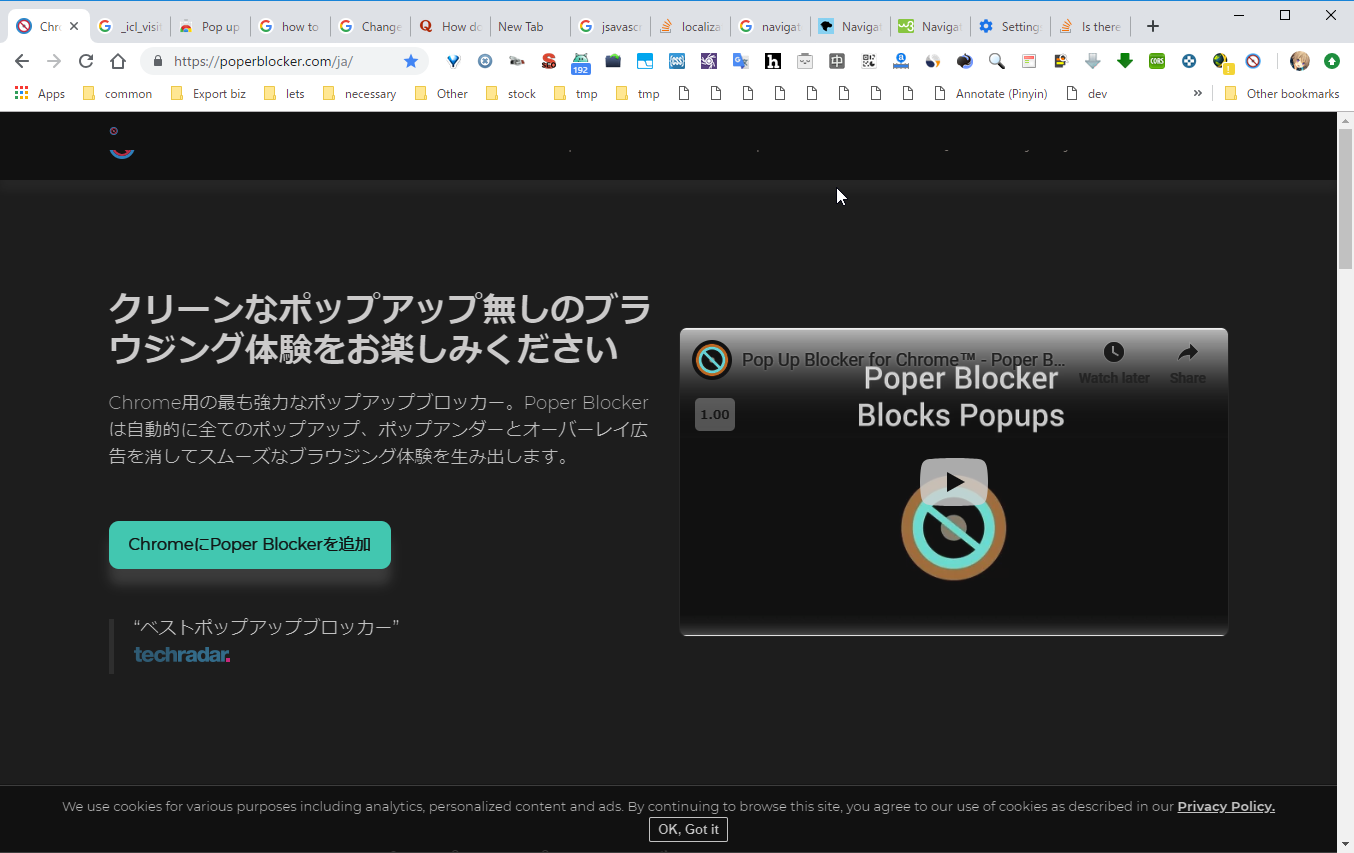
The cause is that you haven’t properly configured settings at chrome://settings/?search=language.
In the language settings screen, no matter how much you check “Display Chrome in this language” for English, this language priority order has higher priority. Therefore, it’s out just by having Japanese above English.
In my case, I thought I had deleted Japanese before, but for some reason it existed. So I just deleted it and solved it, but this appears to be some kind of bug.
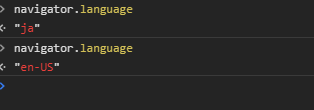
If you open the developer console and run navigator.language, you can find out the current priority language. If this is ja, no matter how much you set other settings to English, most webmasters will force a redirect to Japanese pages based on this reference.
If you still can’t get rid of Japanese remnants, also refer to the following:
Finally Succeeded in Removing Japanese Display from Google Search Results