Not directly related to programming.
I don’t completely avoid reading Japanese articles. However, Japanese articles are generally of low quality (though I can’t talk), so when I’m looking for English articles, I don’t want to be force-fed a specific language with such uncertain quality… Anyway, many people probably dislike Japanese.
I’ve been suffering from this issue for about 2 years, but I finally succeeded in removing Japanese. (Looking back, I wonder why I didn’t notice this setting. (Or maybe it didn’t exist?))
1. Search Result Language Settings
Change this to English. This is basic.
2. Permanent Language Settings
In Google search, you can temporarily change the location by selecting English in “Search Settings” or searching from https://www.google.com/, but it will automatically revert to Japanese or /co.jp under certain conditions. The fundamental way to change the language is as follows.
(Note that this will also change the language of Google-related services such as Gmail.)
You can set the language on the following page. https://myaccount.google.com/preferences#localization
Reference: [https://support.google.com/accounts/answer/32047?hl=en](https://support.google.com/accounts/answer/32047?hl=en)Sign in to My Account. In the “Account preferences” section, select Language & Input Tools. Choose Language To change your language, select edit Edit . Choose your language from the dropdown box and select Ok.
I had done this far.
3. Region Settings
Change “Region settings” from “current location” to “United States” or similar.
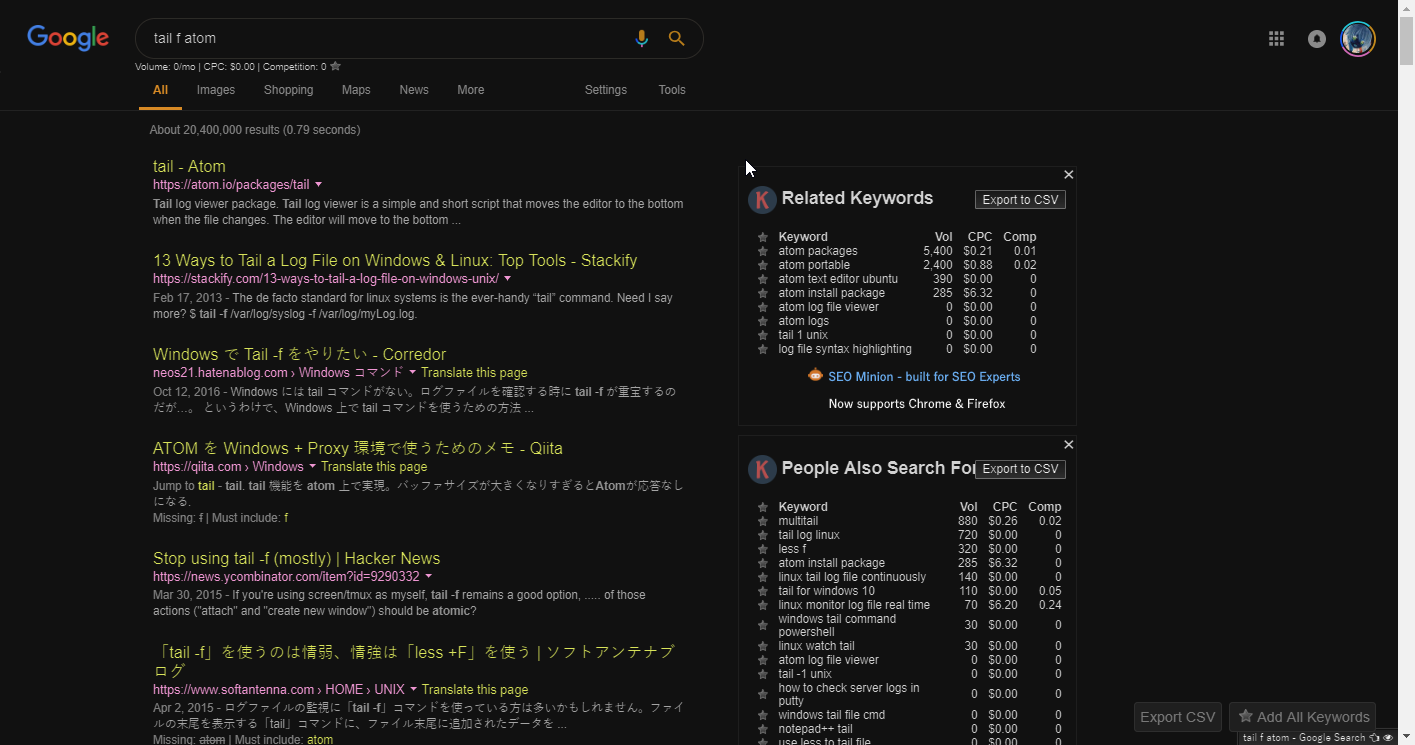

The suggestions are also in English! Oooh…
